

agents.md or agent skill for your app — a set of persistent instructions that Clark follows every time it works in this app.
Adding app knowledge
To teach Clark knowledge about your app, simply tell it what to remember in the chat. For example:- “Remember that this app uses a master-detail layout — left panel is always a filterable list, right is the selected item’s details.”
- “Remember that all monetary values are stored in cents and should be displayed as dollars with two decimal places.”
- “Remember that the fetchOrders API must always include a
storeIdfilter.”
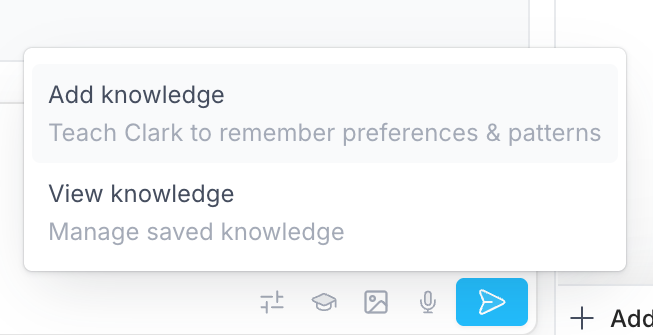
Viewing and managing app knowledge
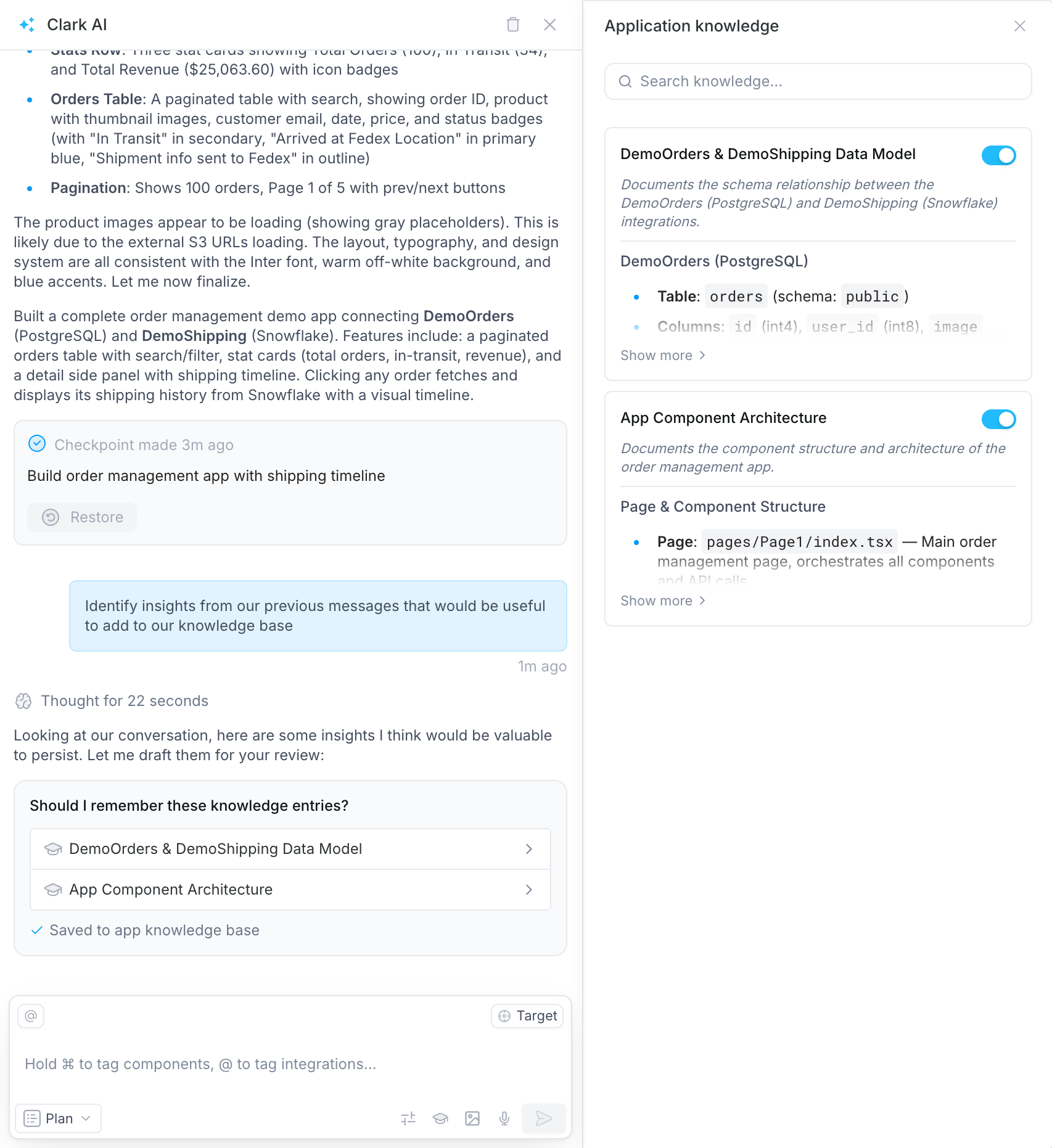
To view all app knowledge, click the knowledge icon in the chat toolbar and select View knowledge. You can also click through from a new knowledge entry in the chat after Clark saves one.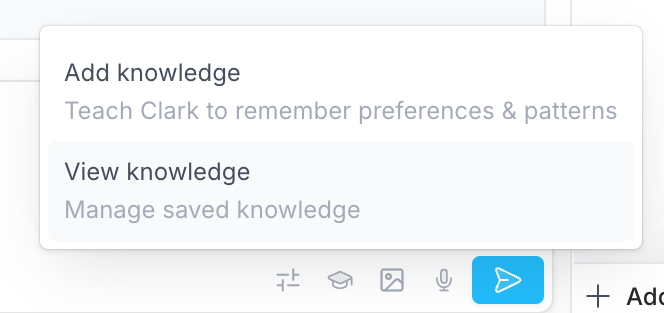
What to capture
App knowledge is useful for details like:- Architecture decisions — state management approach, component hierarchy, routing patterns
- Business logic — domain rules specific to this app, calculation methods, validation requirements
- Data dependencies — which APIs power which views, refresh patterns, caching strategies
- UI conventions — layout patterns, component reuse rules, interaction behaviors specific to this app