Adding org knowledge
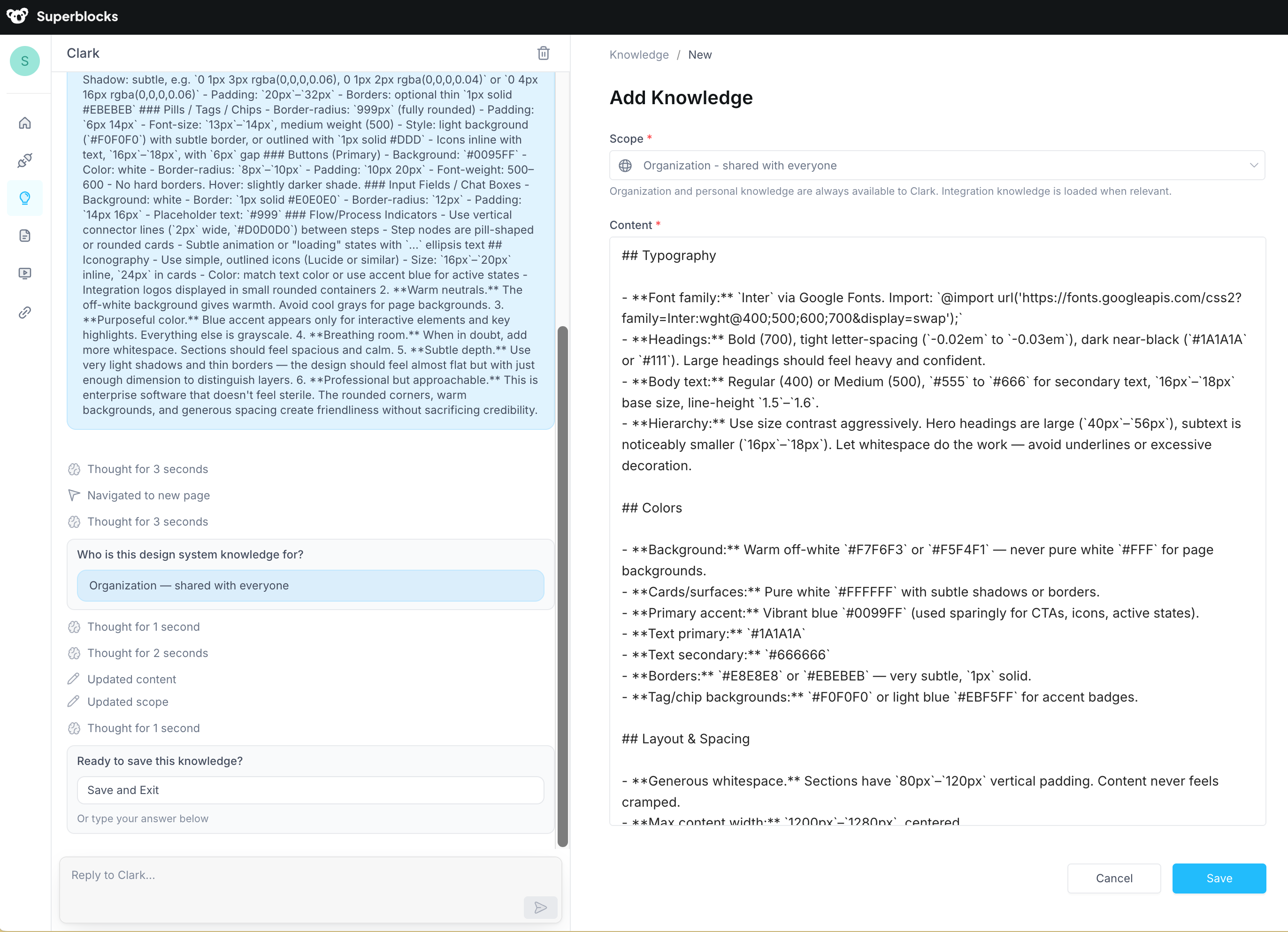
Navigate to the Knowledge page and chat with Clark to describe what you want it to remember. Clark will create the right knowledge entry at the right scope for you, then present it for your review before saving. We recommend using Clark to write entries because it optimizes them for LLM retrieval — producing focused, well-structured instructions that Clark can look up effectively at build time.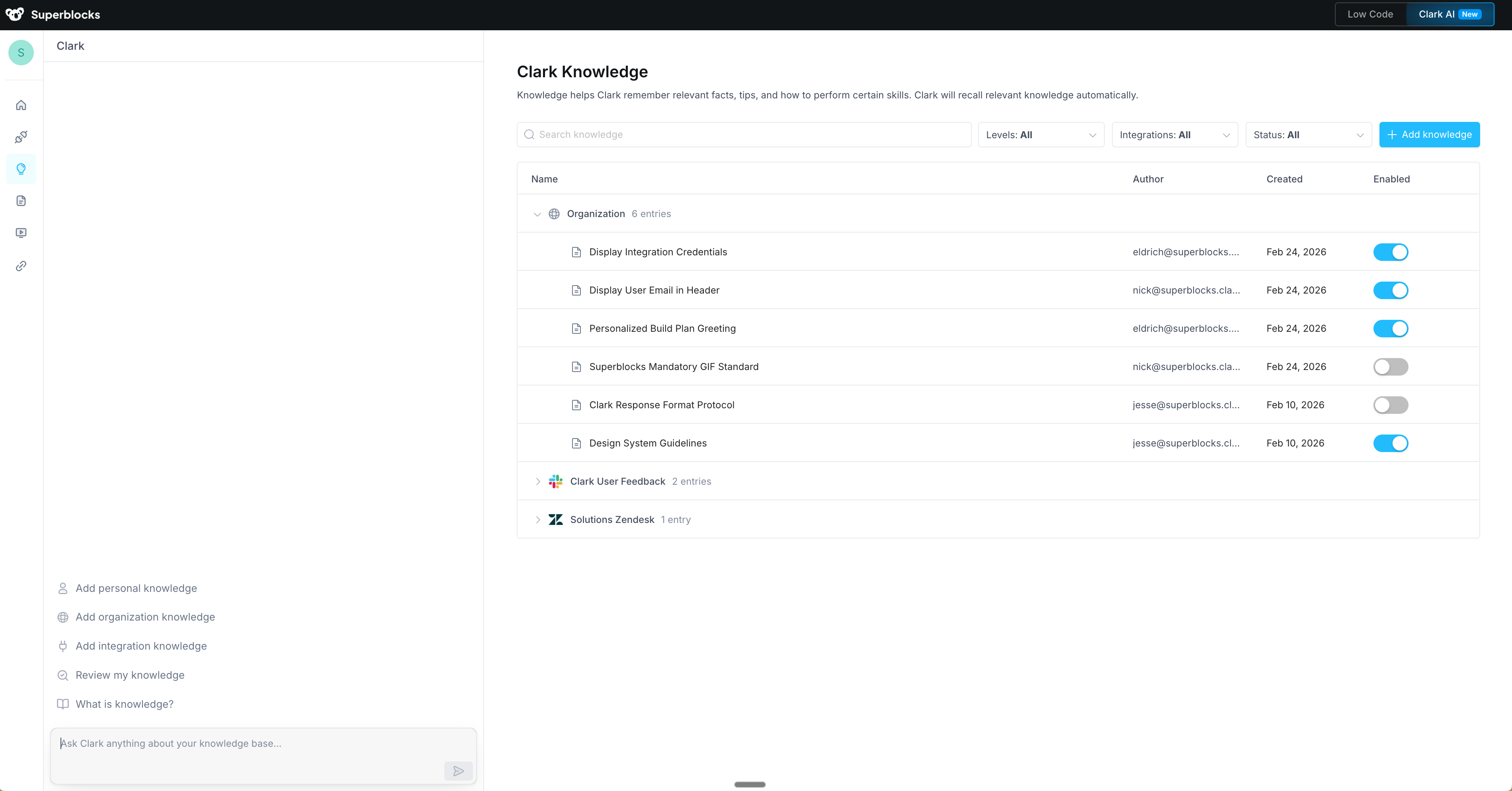
- “Our design system uses primary (#0099FF), secondary (#6B7280), and danger (#EF4444). Never hardcode other colors for interactive elements.”
- “All API error responses must be caught and displayed with a toast notification. Never silently swallow errors.”
- “When referring to customers, use ‘account’ not ‘client’ or ‘customer’. Our data model uses
account_idas the primary identifier.”
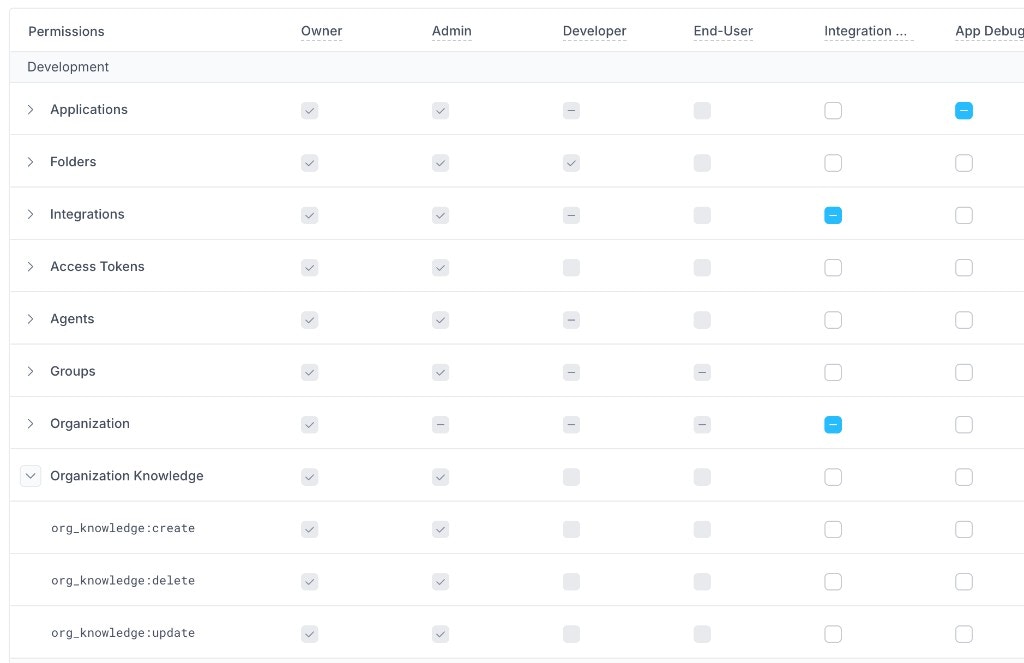
Permissions
Creating, updating, and deleting org knowledge requires Owner or Admin permissions. Once entries are saved, they are available to all builders in the org — you cannot restrict who benefits from org knowledge, because it’s designed to apply everywhere.