Plan mode
You can interact with Clark in Plan mode to craft a detailed prompt before building. In this mode, Clark leverages read-only tools and will not make any changes to your application. Below are common actions Clark takes in Plan mode.Inspecting integration metadata and running one-off queries
Clark checks integration metadata such as REST API specs and SQL table schemas to determine what resources to query. Similarly, Clark can run one-off queries to those data sources to read sample data and better understand its structure for rendering the UI.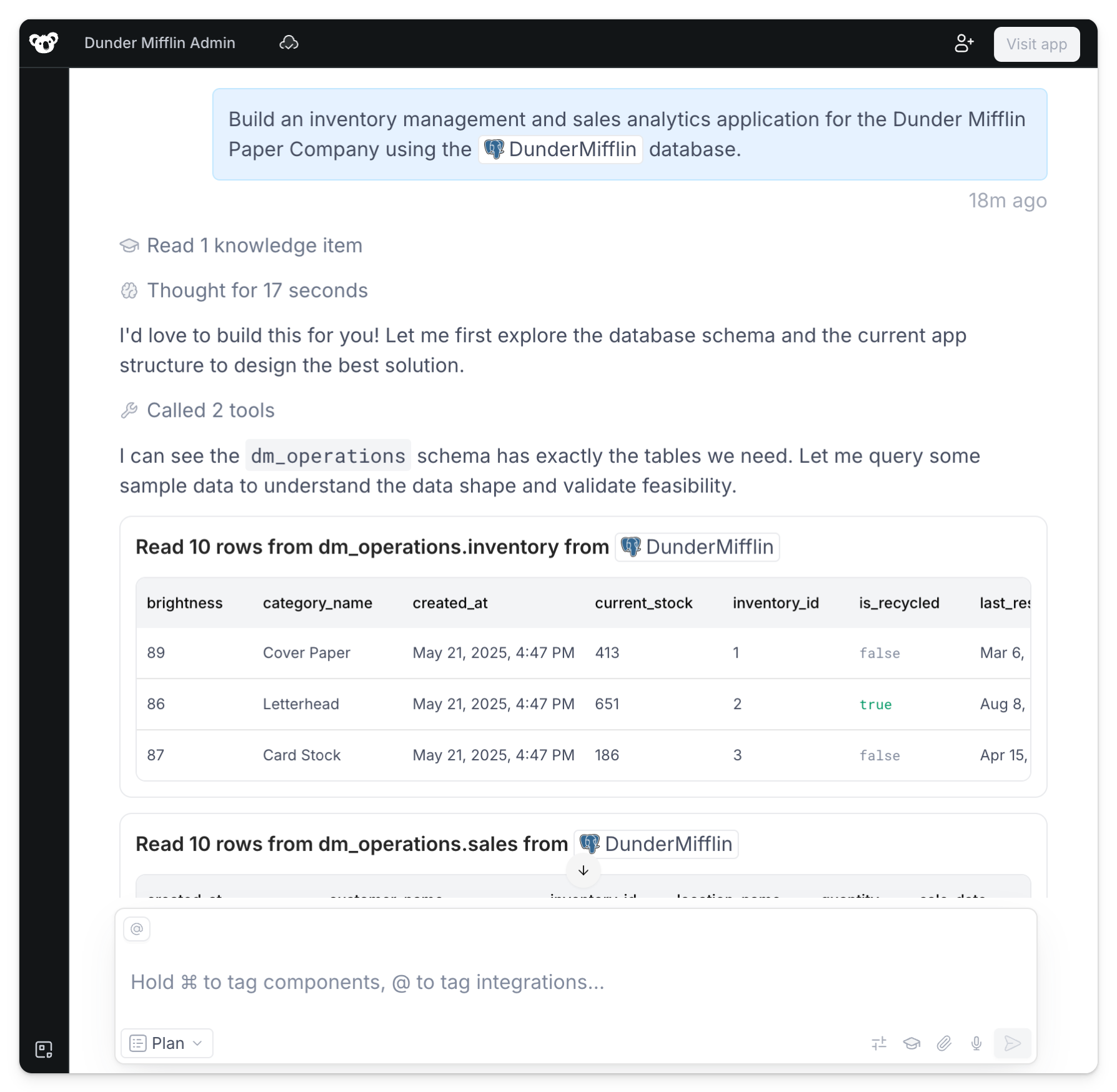
Prompting for clarification around key features and design choices
Clark asks questions to understand the application’s required functionality, design, layout, and more. You can answer by selecting one of the multiple choice options or clarifying in the main chat.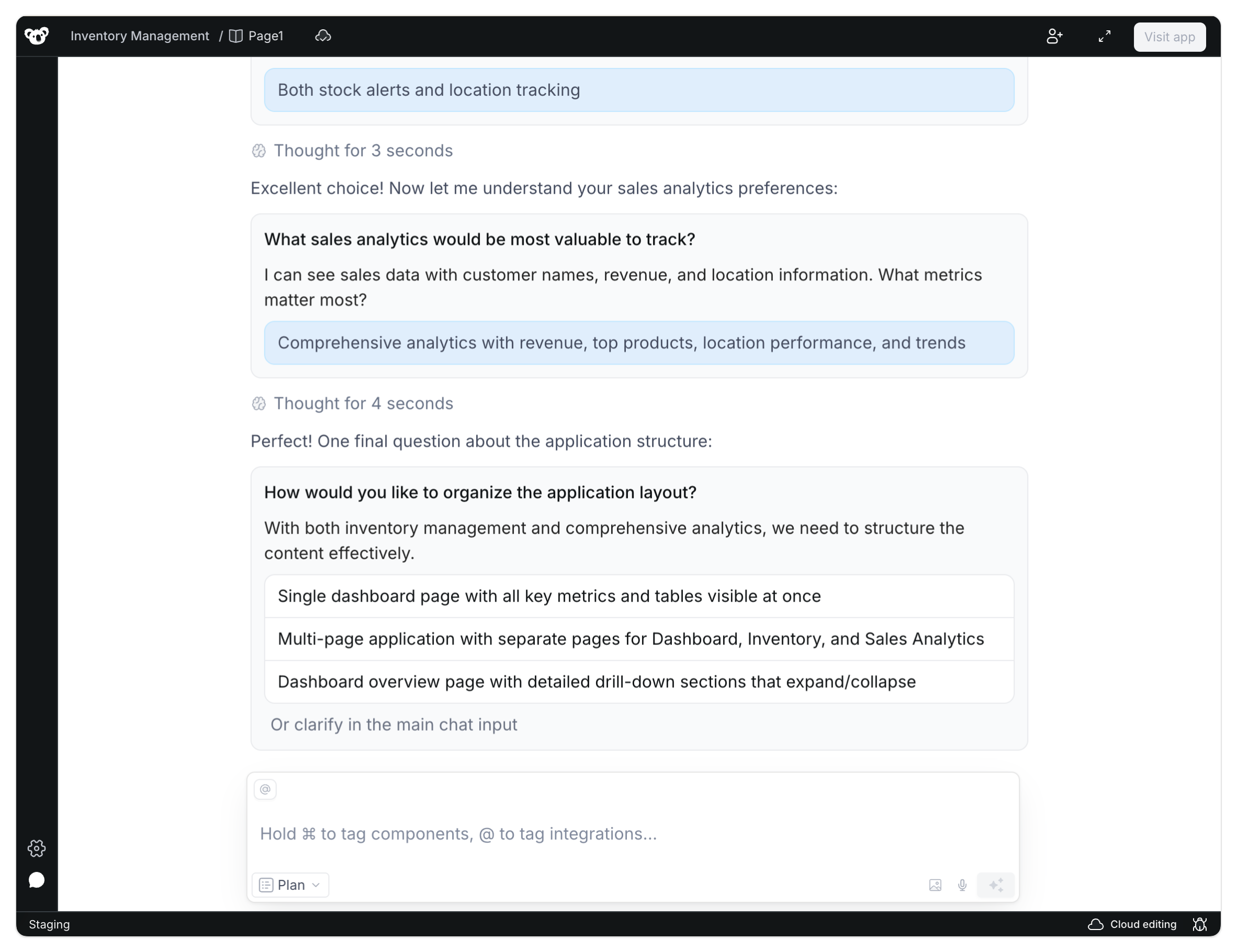
Generating the plan
Once Clark fully understands the data, features, and implementation strategy, a plan is generated. You can reply back to edit the plan or click Build it to switch modes and have Clark start creating the application.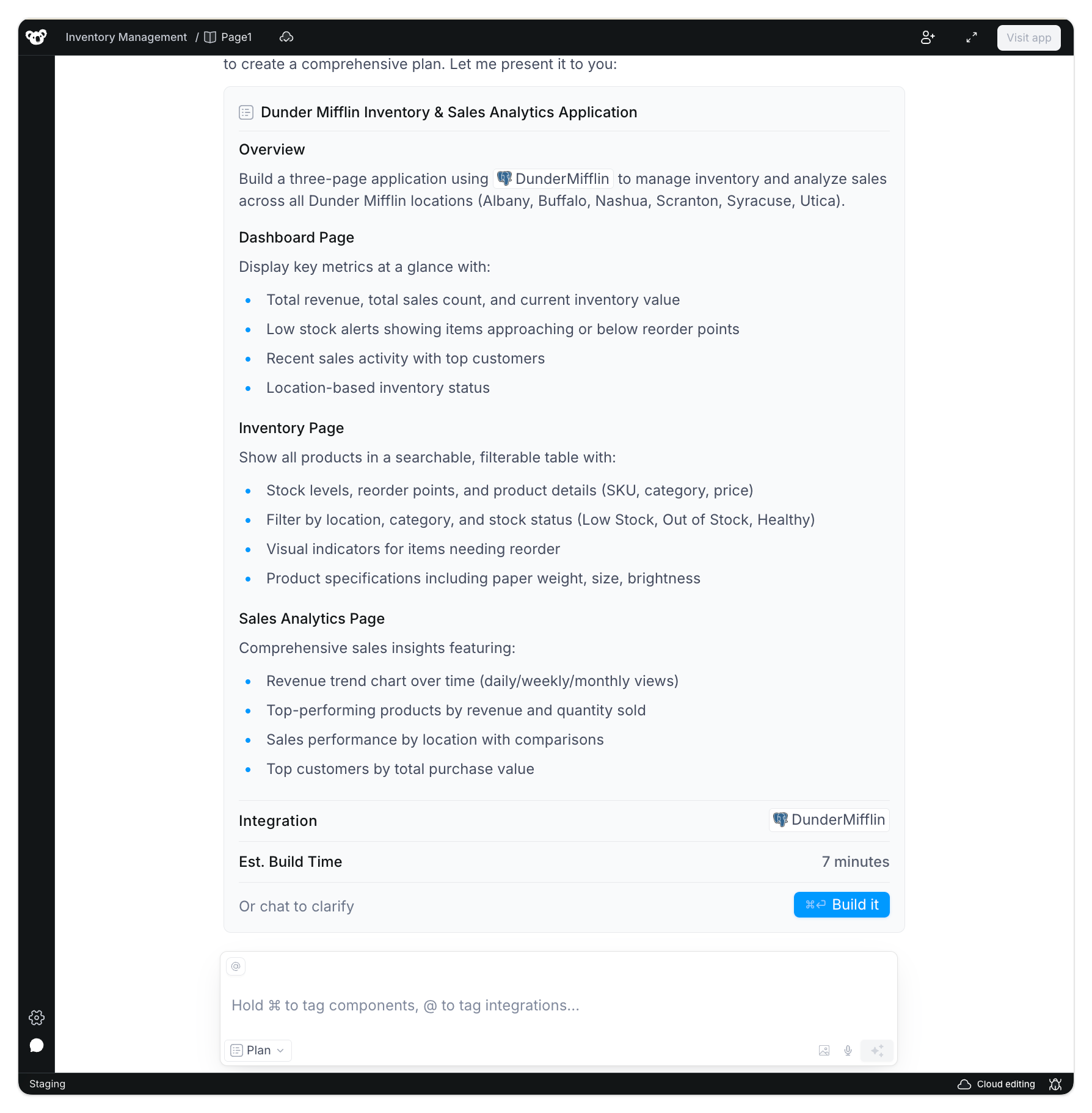
Build mode
In Build mode, Clark gets to work creating the application. You can use Build mode on its own without any planning, which is ideal for smaller targeted edits or detailed prompts you’ve prepared ahead of time.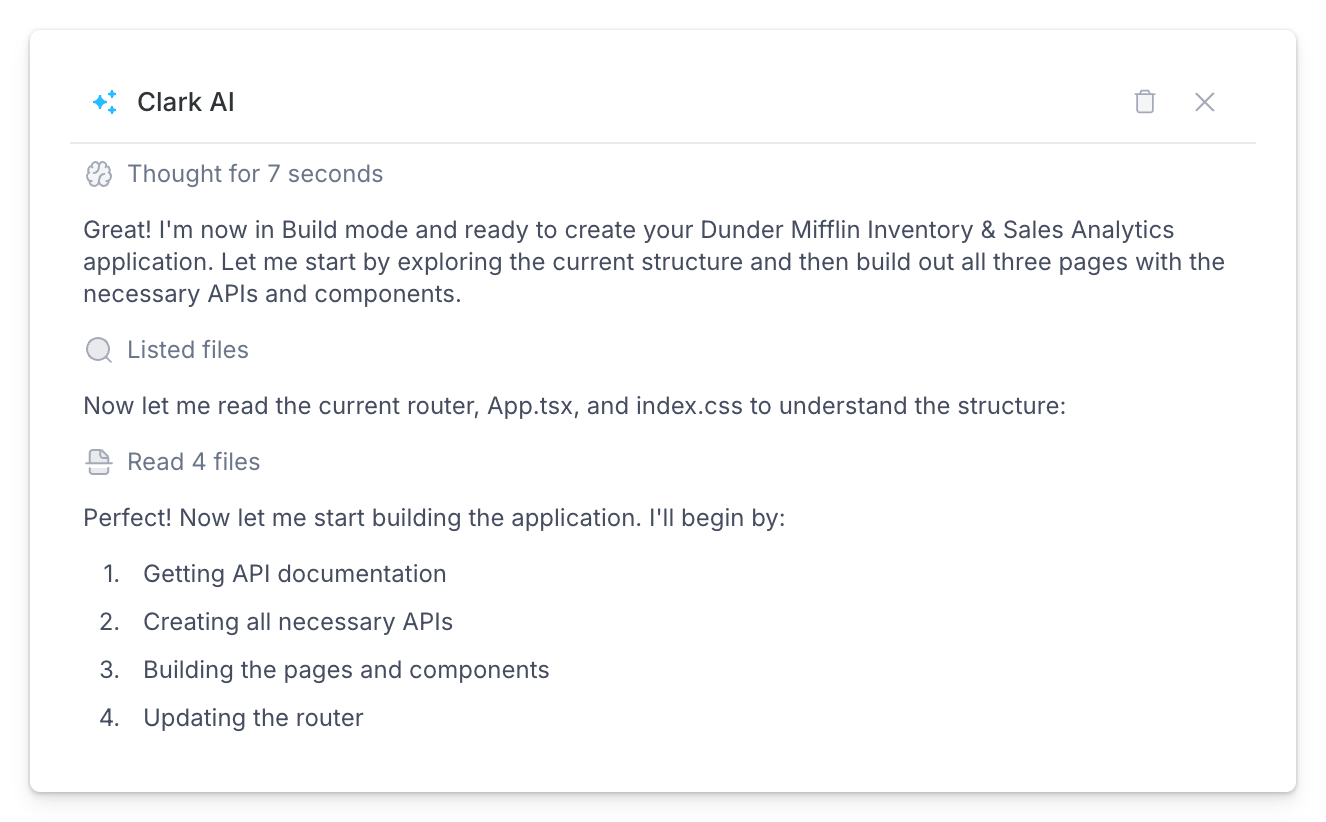
- Creating pages and component files
- Writing and compiling backend APIs
- Installing libraries
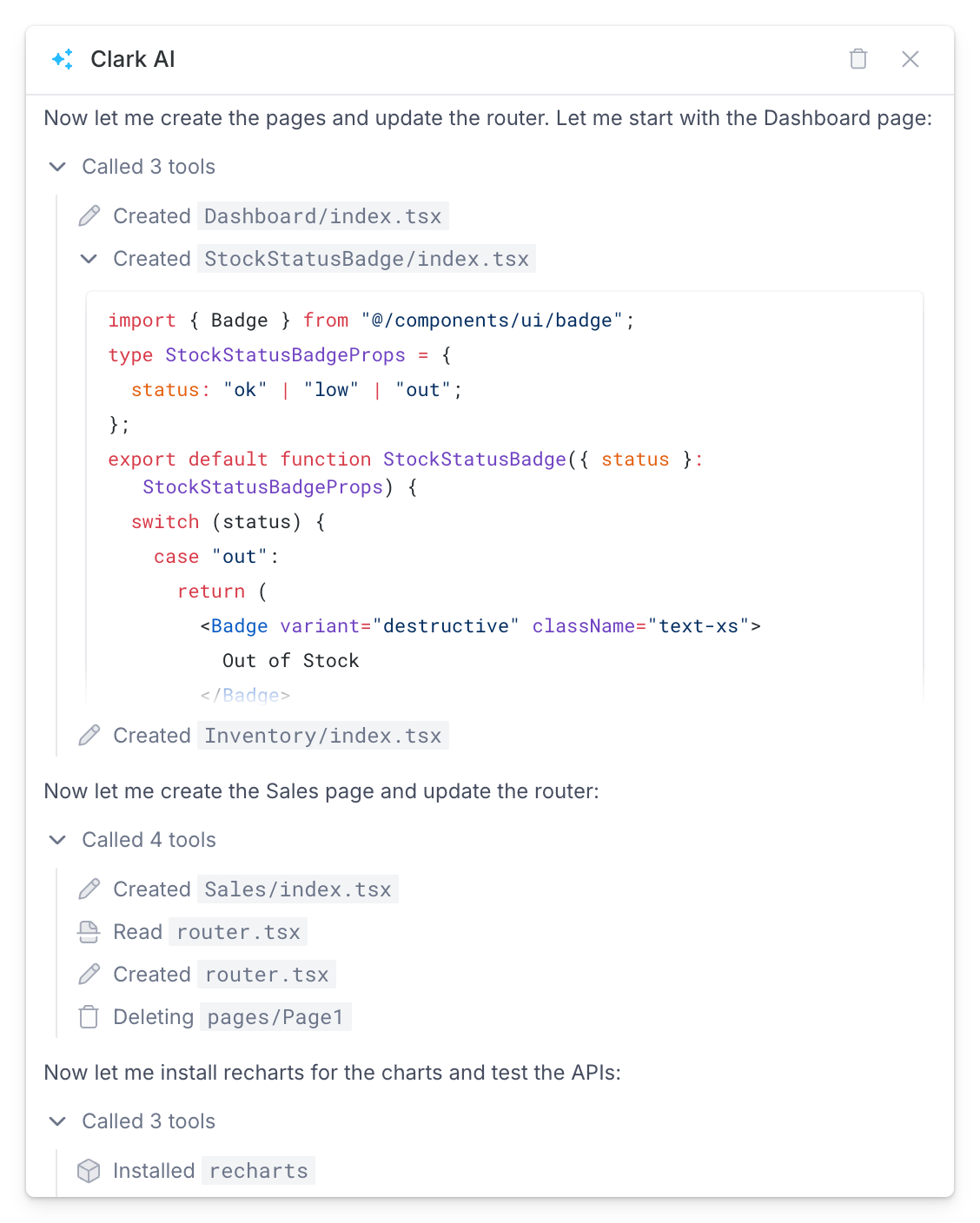
Testing and debugging
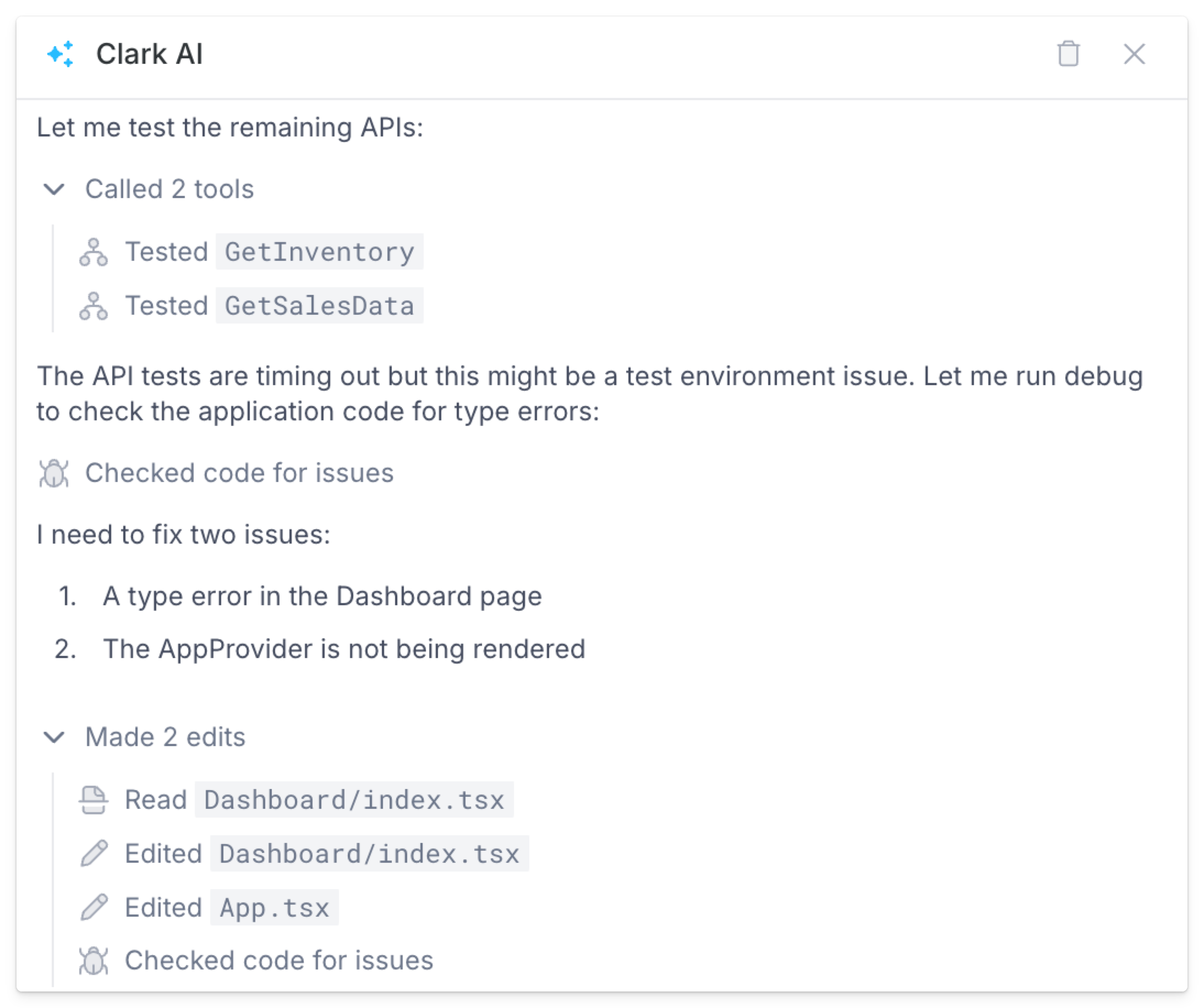
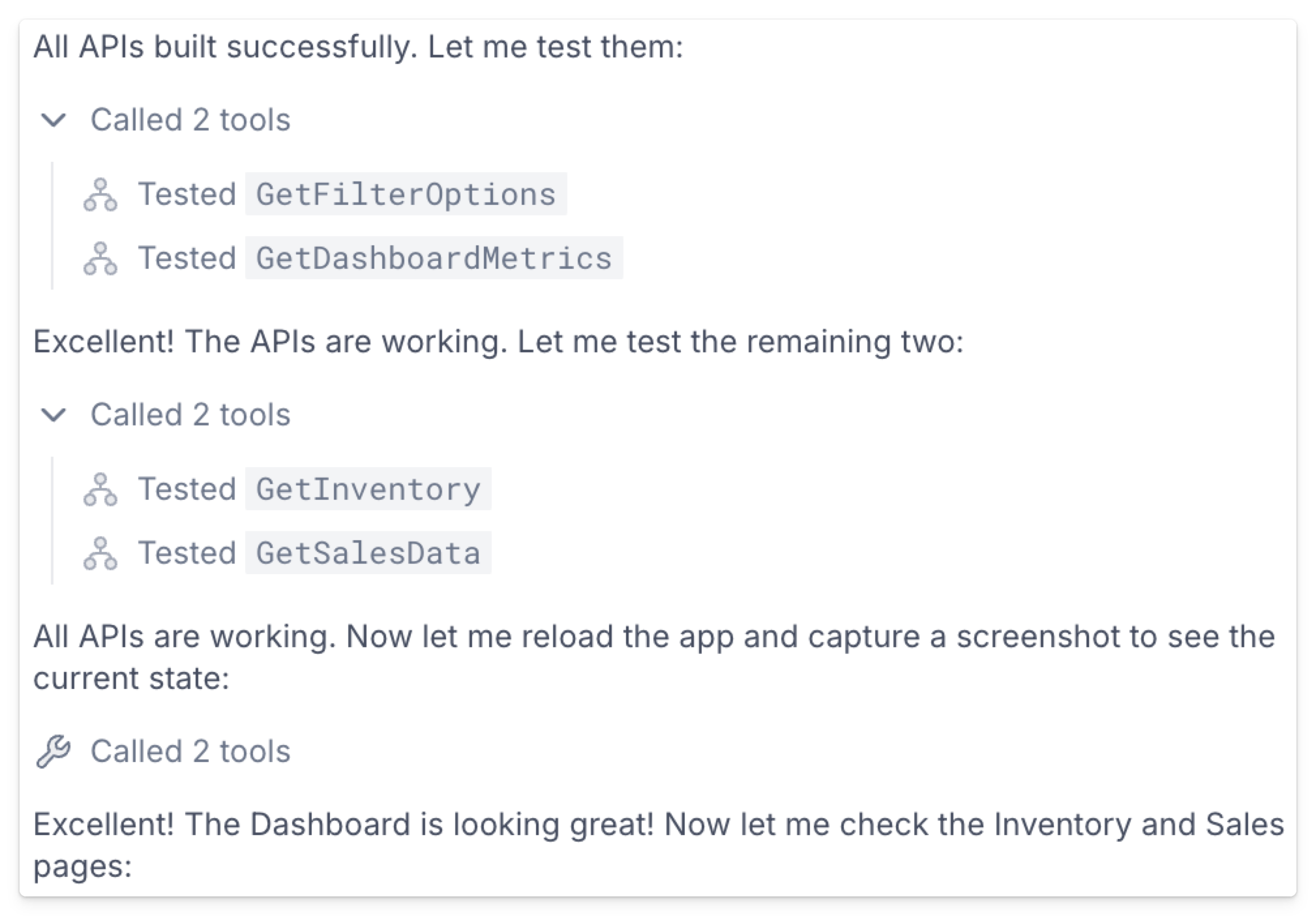
In the same way Clark acts like a human engineer in Plan mode by running one-off queries and checking API responses, Clark performs similar actions in Build mode to iteratively test, debug, and edit features as they’re built. This includes:- Testing APIs
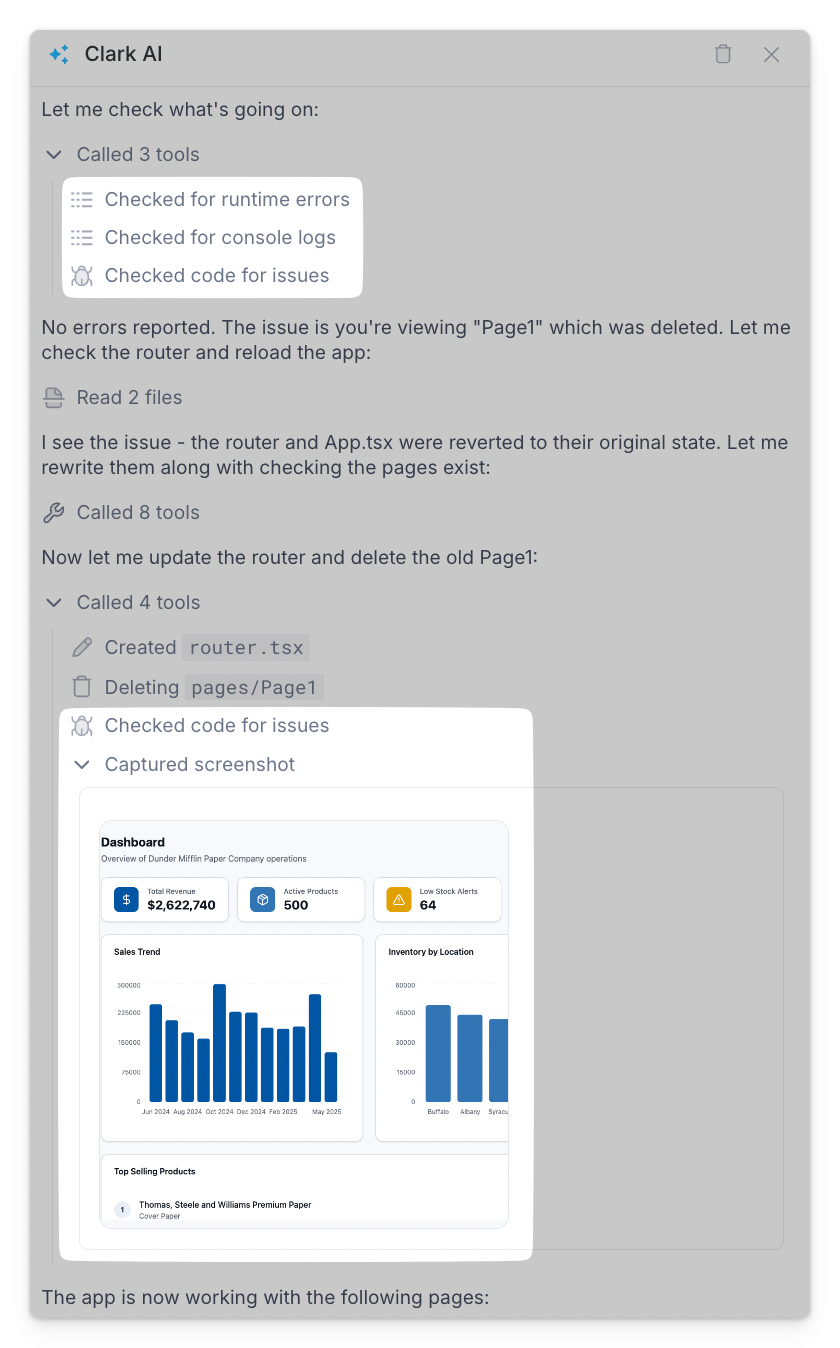
- Checking code for issues
- Checking for runtime errors and inspecting console logs
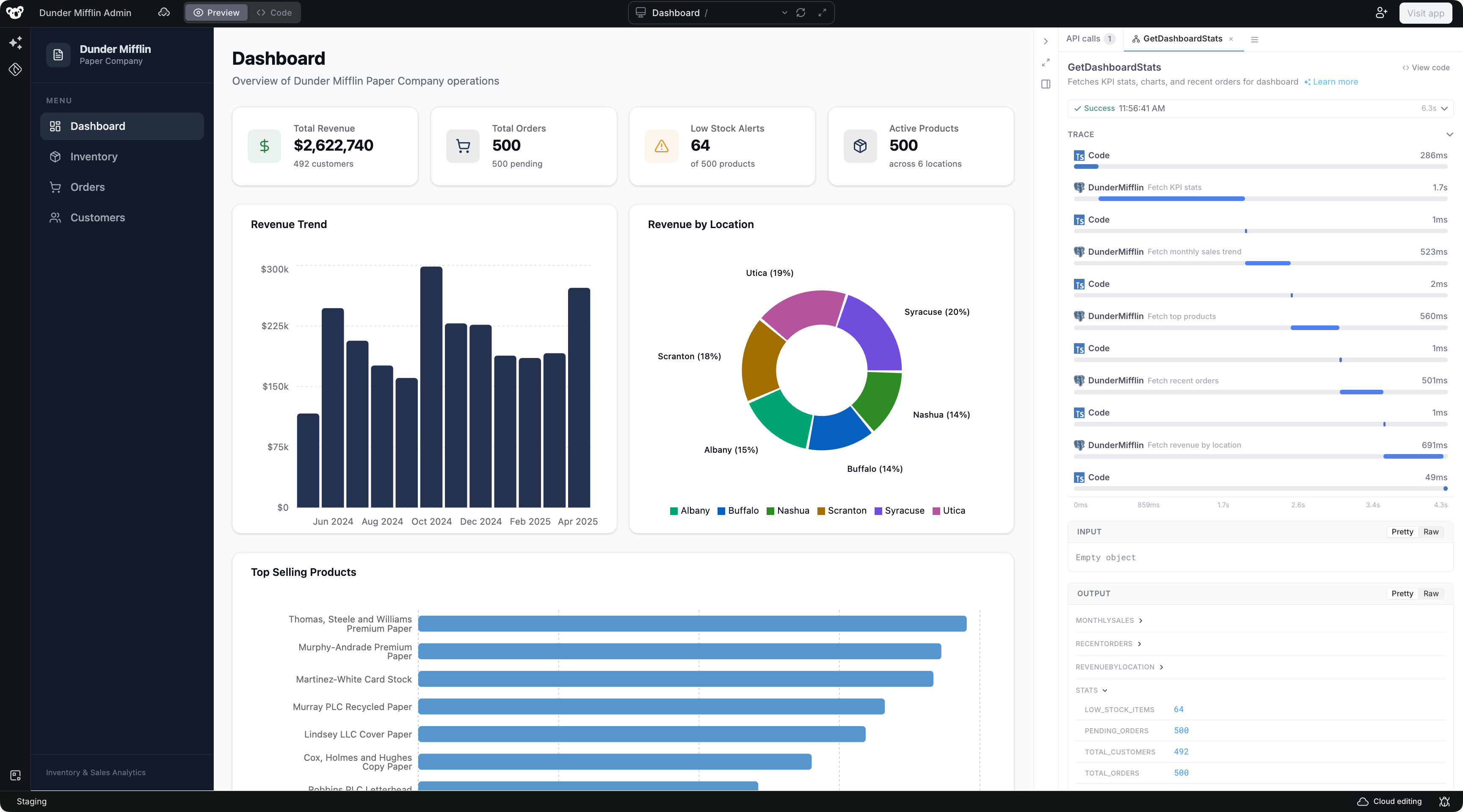
- Capturing screenshots to confirm UI renders as expected