

Documentation Index

Fetch the complete documentation index at: https://docs.superblocks.com/llms.txt

Use this file to discover all available pages before exploring further.

App imports are currently in beta. Contact support to get on the waitlist.
Import apps you’ve prototyped in other tools — Replit, Lovable, v0, Claude, or anything other third-party tool — and turn them into production-ready applications on your enterprise data. Simply upload a zip of your project and Clark handles the rest: rewriting code to use Superblocks integrations, connecting to your real data sources, and replacing prototype auth with platform-managed authentication and RBAC.

What gets migrated

When you import an app, Clark analyzes the source code and automatically replaces external dependencies with Superblocks platform features:
Source appSuperblocks
Database clients (pg, knex, Prisma, Supabase)Integrations connected to your enterprise databases
Hardcoded API keys and secretsCredentials managed by the platform
Custom auth (Passport, JWT, Supabase Auth)Platform-managed authentication and RBAC
Express routes, Deno functionsBackend APIs
Frontend pages and componentsSuperblocks pages with the same design and styles

How to import

1

Start the import

From the Superblocks home screen, click Import in the prompt bar, or click the Import an app link below it.Superblocks home screen with Import option
2

Choose your source

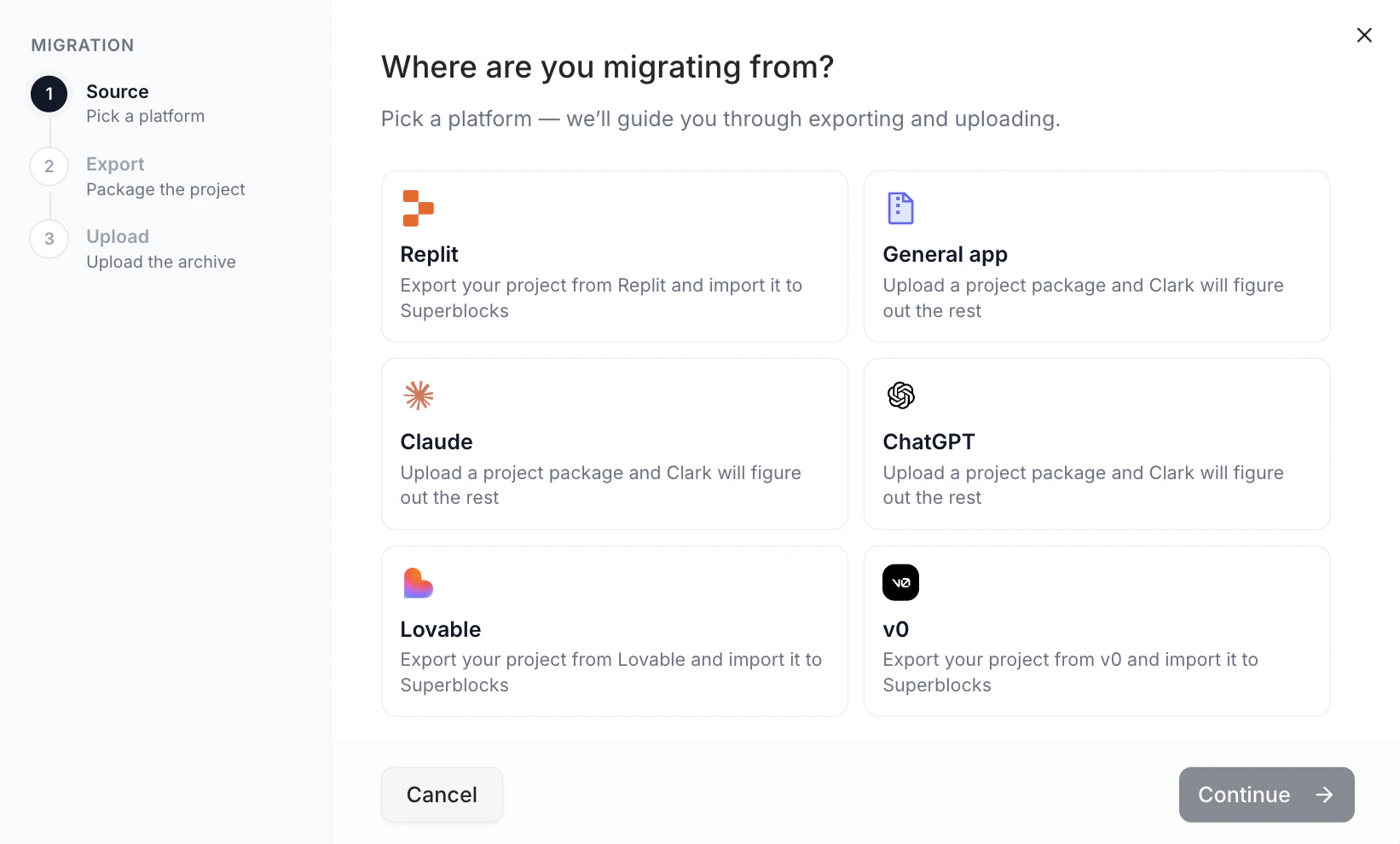
Pick the platform you’re migrating from. Superblocks supports Replit, Lovable, and zip uploads from any tool (v0, Claude, Bolt, or your own project).Choose migration source
3

Export and upload your project

For Replit and Lovable, Superblocks gives you a ready-made export prompt. Copy it, paste it into your tool’s chat, and it will build a zip for you. Download the zip and drop it into the upload area.For any other tool, zip your project’s root folder (excluding node_modules, .git, and build artifacts) and upload it directly.Export from Replit
4

Clark migrates the app

Once uploaded, Clark inspects the project structure, identifies frameworks, data sources, and pages, then rewrites the code to run on Superblocks. You’ll be prompted to connect your integrations — pick the databases, APIs, and services the app should talk to in your environment.