- Superblocks integrations like DynamoDB and S3
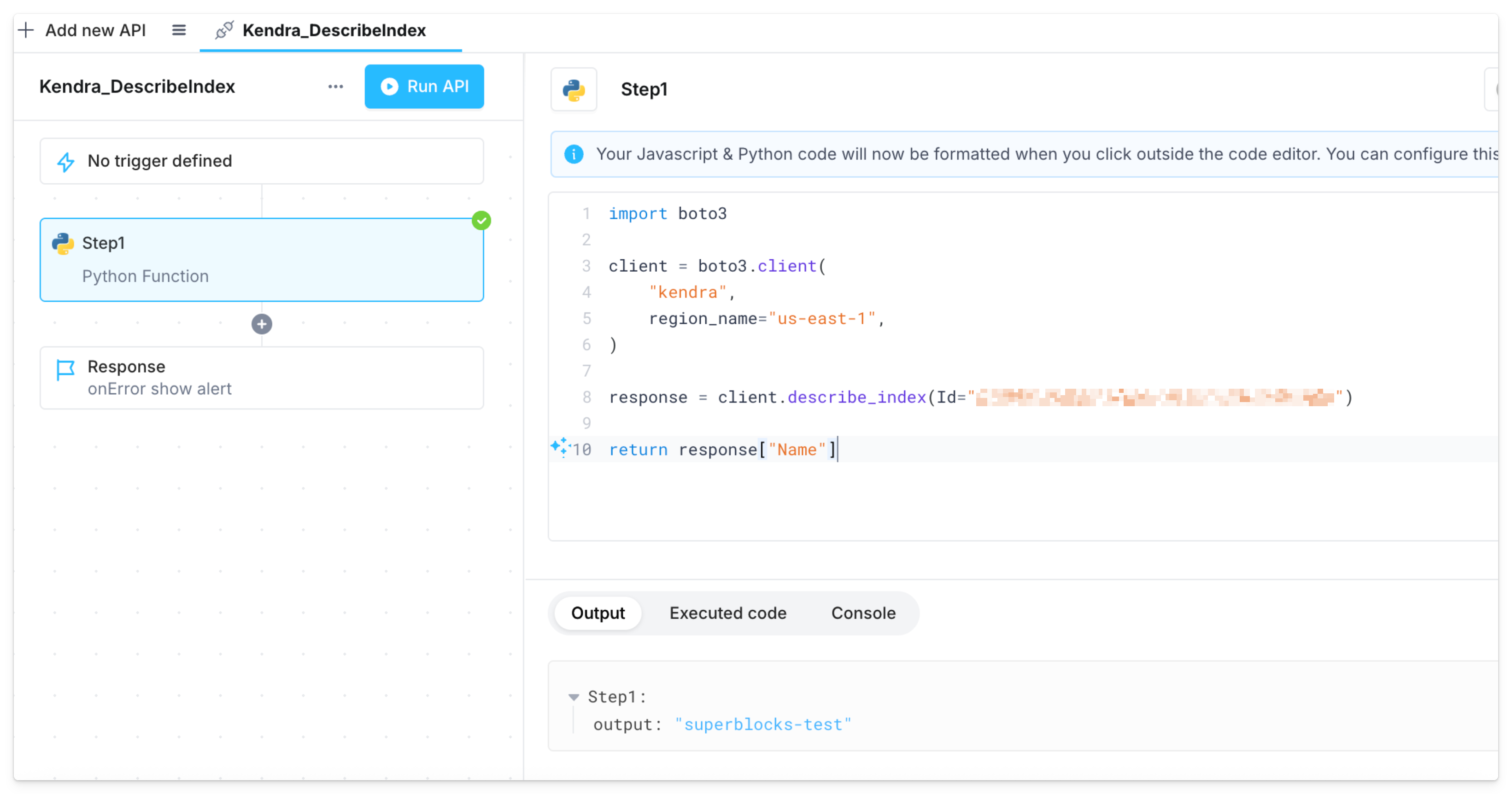
- Backend API steps using the Python Boto3 library or JavaScript AWS SDK
Auth types
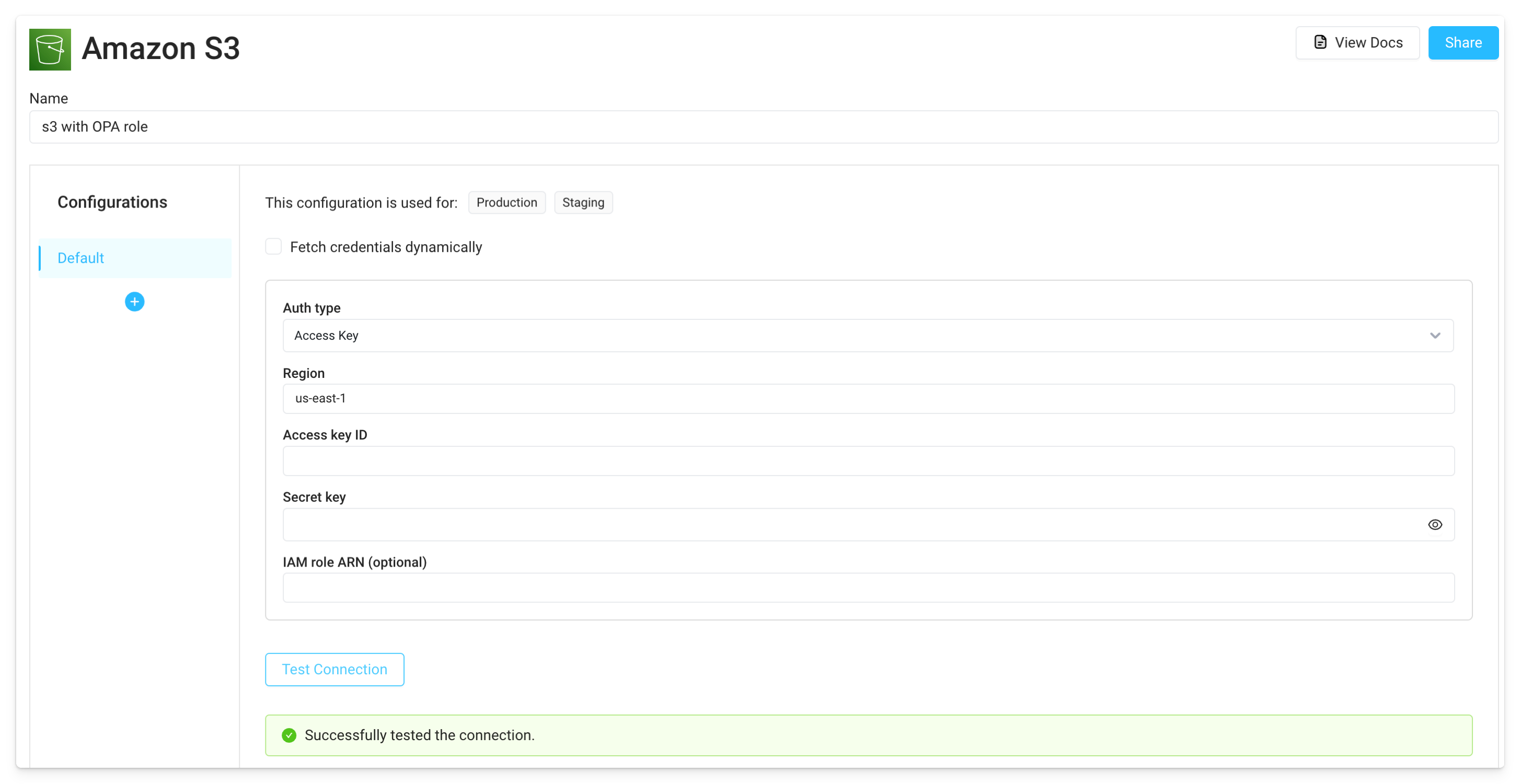
ECS task role
Assign an IAM role to the agent’s ECS task. If using the Superblocks Terraform module, this can be set via thesuperblocks_agent_role_arn variable.
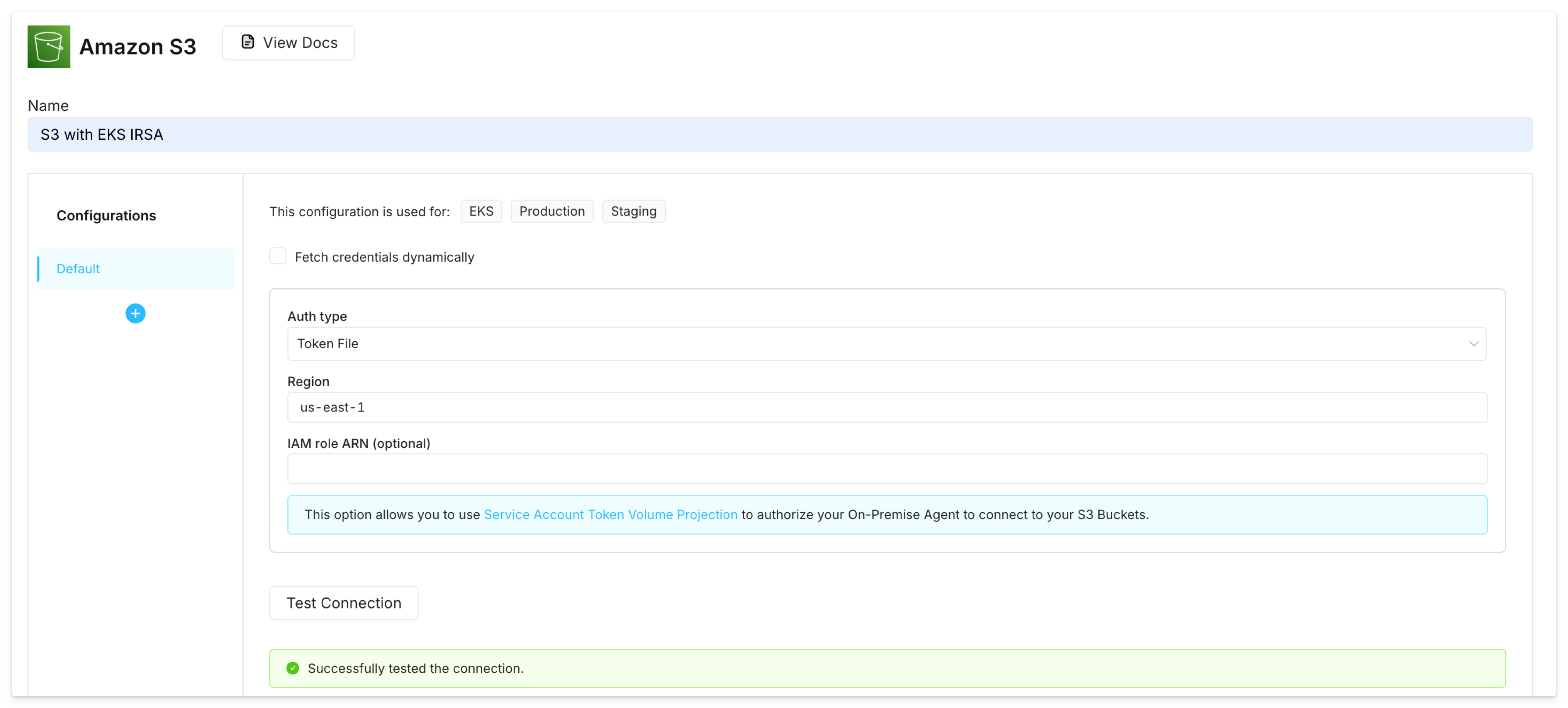
Kubernetes service account
Follow the steps in the EKS docs on IAM roles for service accounts (IRSA) to associate an IAM role with a Kubernetes service account. Specify this service account in the agent’s Helm chartvalues.yaml file, along with the annotation for the IAM role.
EC2 instance metadata
Create an IAM role that allows EC2 instances to call AWS services and associate this role with the EC2 instance where the Superblocks agent runs (IAM instance profile). Once this is set up, create AWS integrations with the EC2 Instance Metadata auth type. This will authorize the agent to connect to the AWS service using the instance’s IAM role credentials, retrieved through the EC2 instance metadata endpoint (IMDS).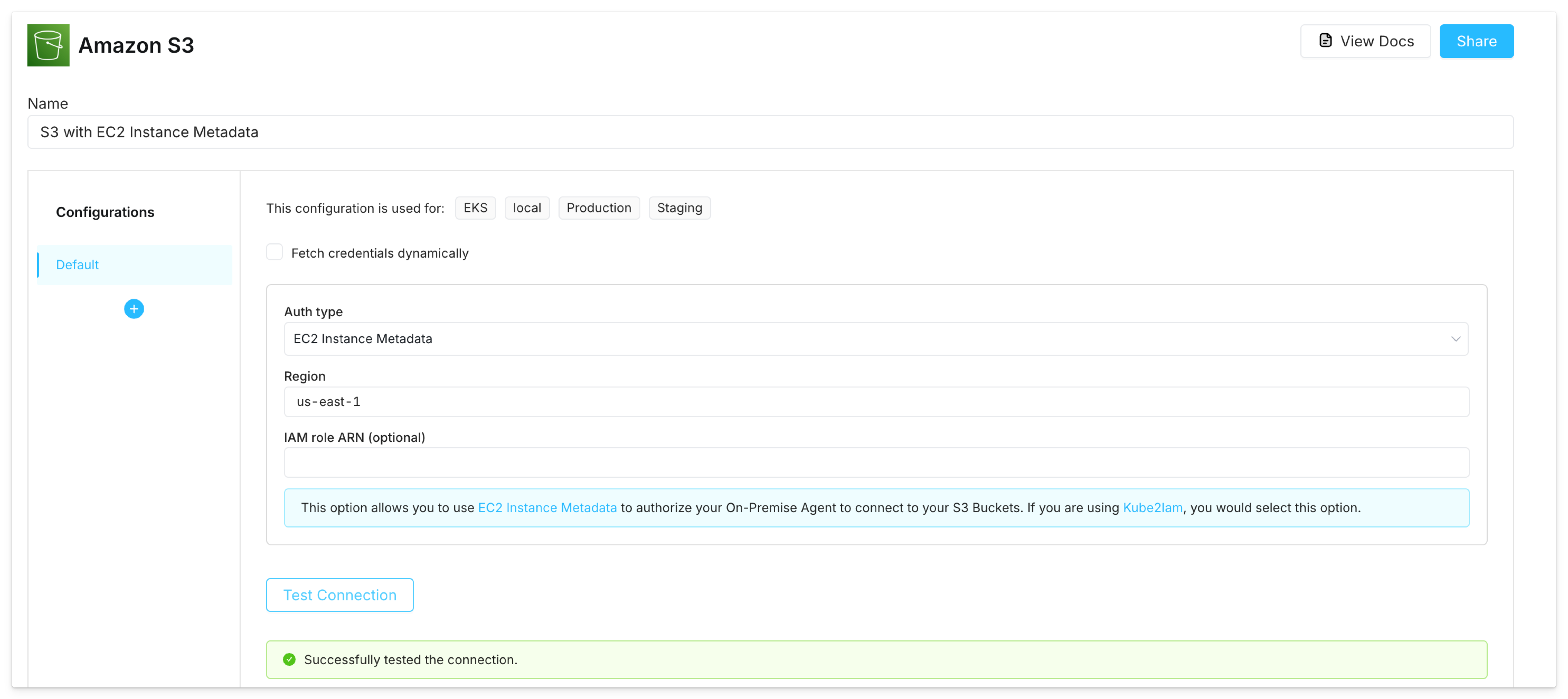
Connect to AWS in Python and JavaScript
The agent can also use IAM roles to connect to AWS services in backend Python (Boto3) and JavaScript (AWS SDK) steps. If you’re using ECS task role auth, you must additionally set the environment variableSB_EXECUTION_ENV_INCLUSION_LIST to a value of AWS_CONTAINER_CREDENTIALS_RELATIVE_URI. For example, in the agent’s Terraform module: