

None
Superblocks won’t send authentication details with a request unless you select an authentication method. If your request doesn’t require authentication, set the Authentication dropdown to None.Basic authentication
Basic authentication involves sending a verified username and password with your request. On the integration configuration page, set Authentication to Basic Authentication. Check Share username/password across all users and enter your API username and password, or uncheck this option to have end users provide their own credentials.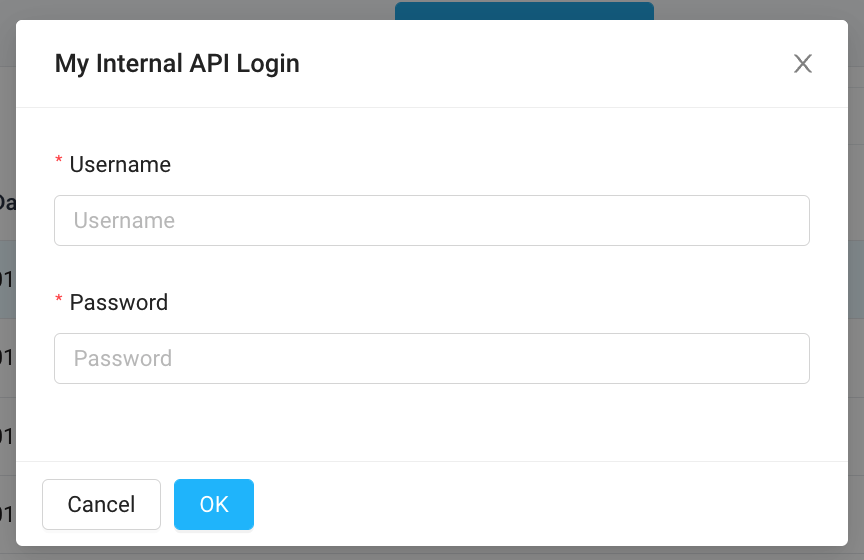
Basic as follows:
API key
API Key authentication sends a key-value pair to the API either as a request header or query parameter. To authenticate using an API key, set the Authentication dropdown to API key in your integration configuration. Enter your key name and value, and select either Header or Query parameter from the Add to dropdown list. Superblocks will append the relevant information to your request headers or the URL query string.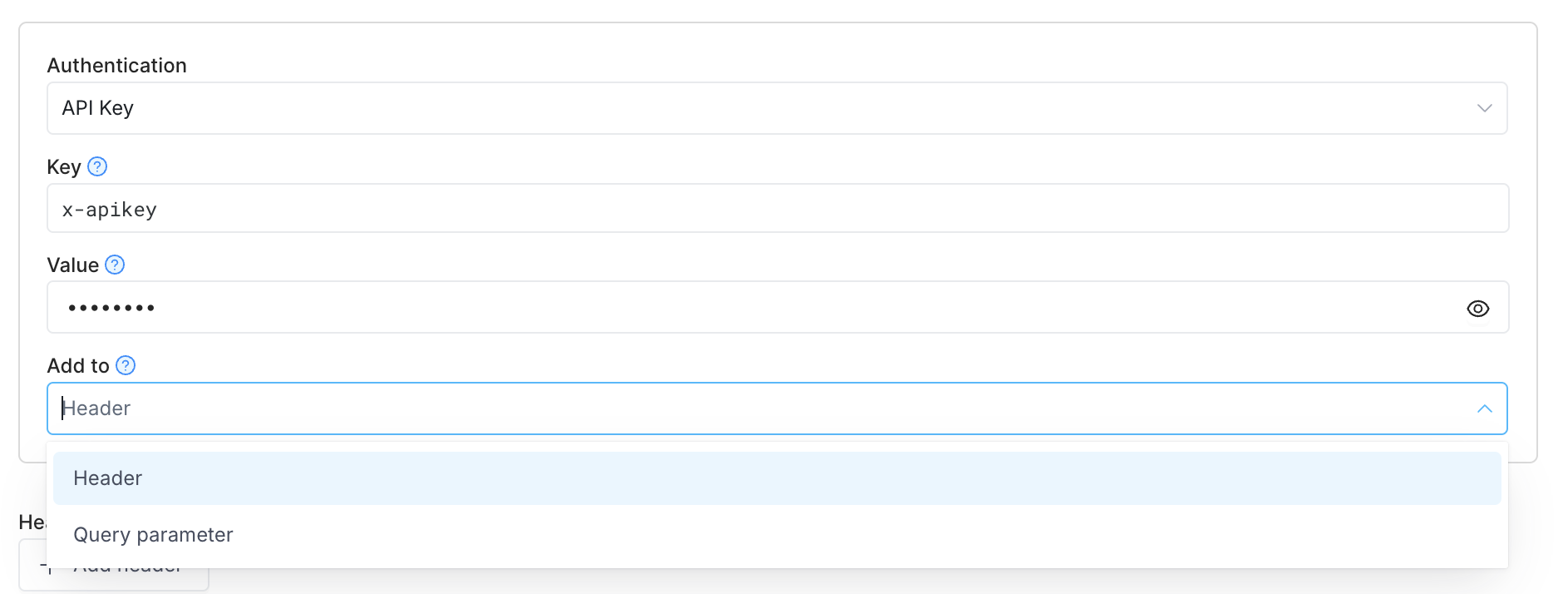
Bearer token
Bearer tokens enable requests to authenticate using an access key, such as a JSON Web Token (JWT). The token is a text string included in the request header. On the integration configuration page, set Authentication to Bearer Token to use this auth method. In the Token field, enter your token value. The Superblocks Agent will append the token value to the textBearer in the required format to the request Authorization header as follows: