









Send logs to Sumo Logic
Obtain HTTP Source address from Sumo Logic
To send Superblocks logs to Sumo Logic, you will need to know the HTTP source URL generated when you define a new HTTP source in Sumo Logic for collecting streaming data.- Navigate to the Sumo Logic Collection page (in the sidebar menu under Manage Data)
- Click Add Collector on the top right of the selection
- Select Hosted Collector
- Provide a name and category and click Save and click yes
- Choose HTTP Logs and Metrics
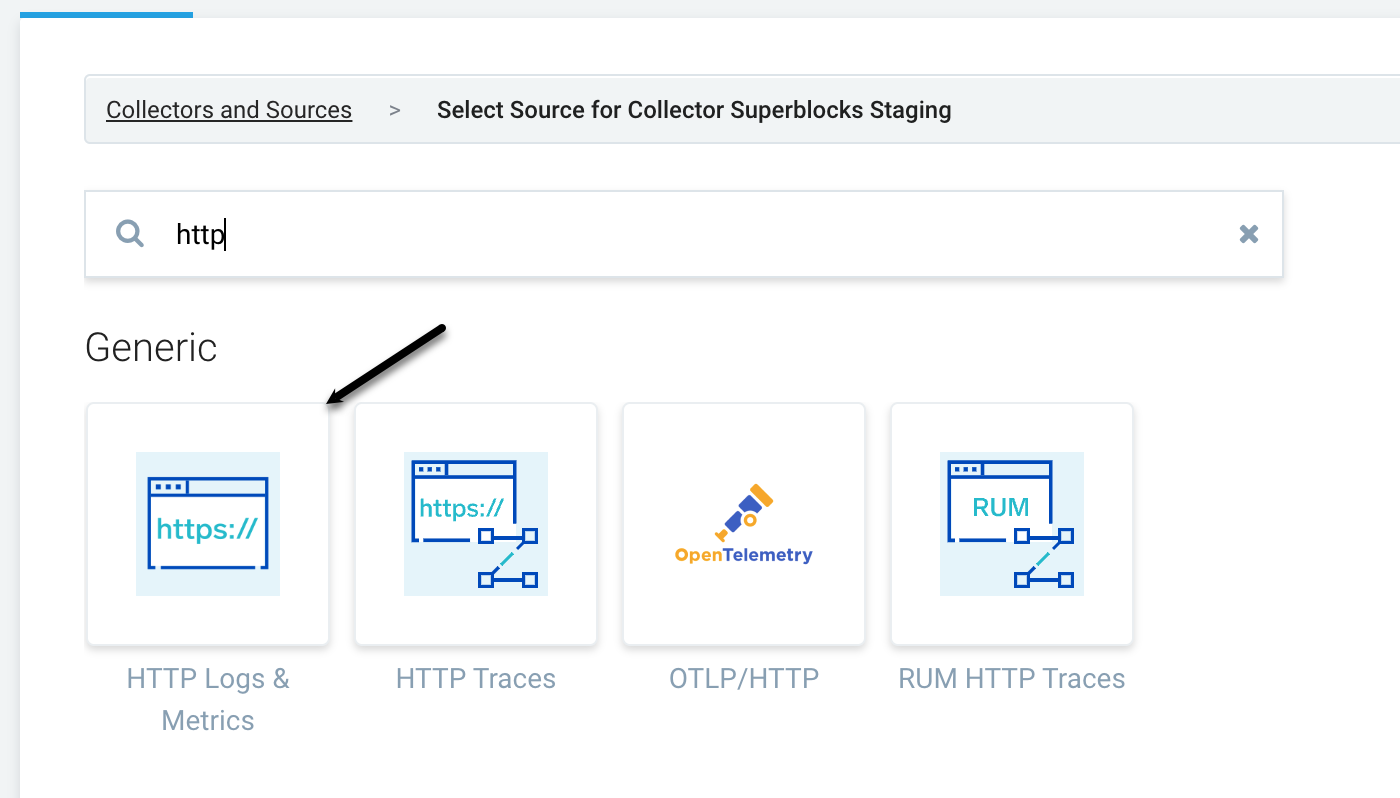
- Add details such as name, source host, and source category. We recommend using
superblocks - Click Save
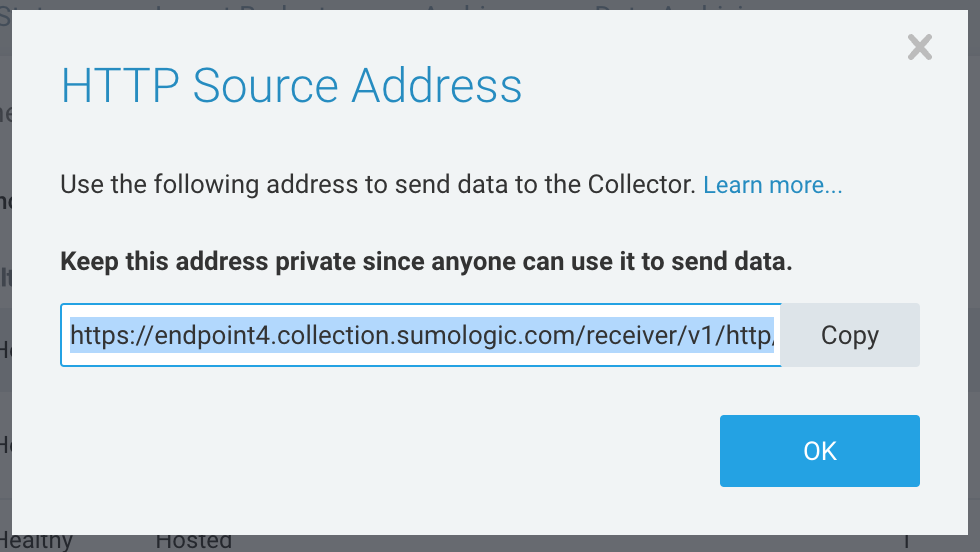
- Copy the HTTP source address displayed
Set up Observability in Superblocks
- Log in to Superblocks
- Navigate to Organization Settings → Observability
- Click the Sumo Logic tile
- Provide the following settings:
| Setting | Description |
|---|---|
| HTTP Logs & Metrics Endpoint | Generated URL for your defined HTTP source in Sumo Logic for collecting streaming data from Superblocks. |
- Click Create