









Send logs from Superblocks to Confluent Cloud
To send Superblocks logs to Confluent, you will need:- A Kafka cluster in Confluent Cloud
- A Confluent Cloud API Key
- The
secretassociated with your API Key
Copy API Key and Secret from Confluent
- Sign in to Confluent Cloud
- Navigate to the cluster you want to use, and click Cluster Overview → API Keys
- Click Create key and follow the prompts to create a Global access API key.
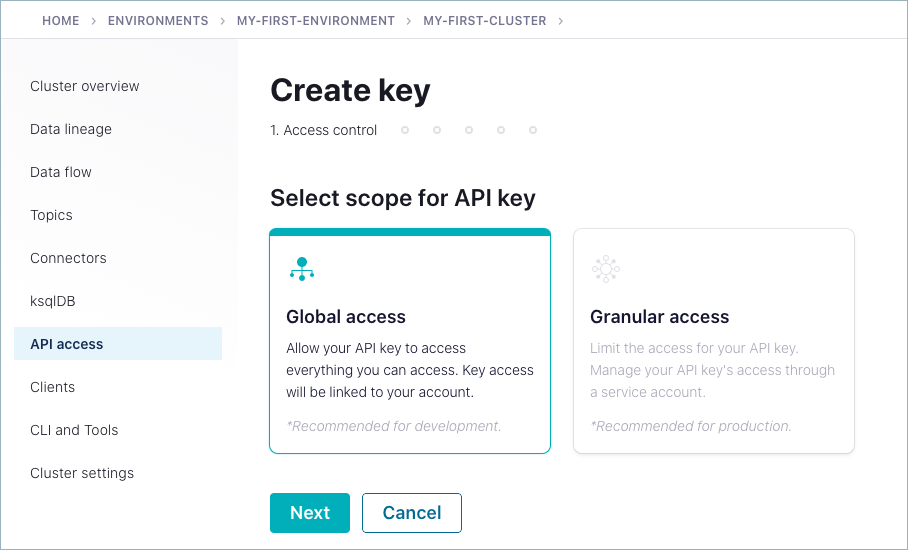
- Copy the API Key and secret created
Set up Observability in Superblocks
- Log in to Superblocks
- Navigate to Organization Settings → Observability
- Click the Confluent Cloud tile
- Provide the following settings:
| Setting | Description |
|---|---|
| Bootstrap Server | The server to connect to in the format <HOST>:<PORT>. |
| Topic | Kafka topic to send logs to. |
| API Key | Cluster API Key |
| API Secret | Cloud Secret |
- Click Create