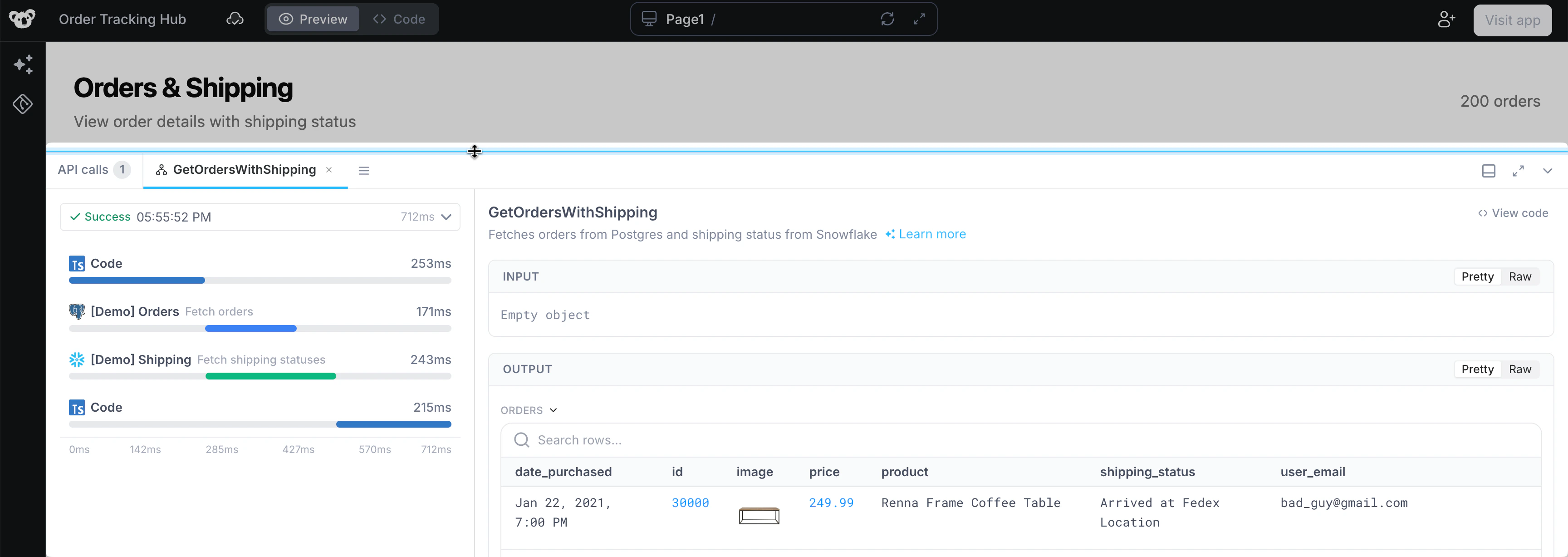
What is a Workflow?
Workflows are modular, reusable platform APIs that can be used across all your internal Applications, Workflows, and Scheduled Jobs. Consume Workflows like any REST API.
Workflow setup
On the Superblocks Home page, click Create New followed by Create Workflow.
Workflow body
Workflows can extract request query parameters and body values from the calling request. For example, imagine the service that calls our workflow passes along a?key query parameter in the URL and a request_id in the POST request body. We can reference the values assigned to these in subsequent workflow steps using params.key and body.request_id, respectively.
Note, the values defined here are for testing the in-development workflow. In the example below, anytime we test run the workflow, key=value will be added as a URL query parameter along with "request_id":123 in the request body. By comparison, the deployed workflow will use the actual values contained in the calling request.

Workflow test
With the workflow URL and test body configured, we can run a test using cURL, Postman, or via code.
When testing, the query param
?test=true tells Superblocks to run your in-development workflow. Remove this parameter in order to call your deployed workflow.
Workflow steps
Next, choose from any Superblocks integration to get started adding steps to the workflow.
Workflow deployment
Before running a workflow outside of the development mode, it must first be deployed. To deploy a workflow, click the blue Deploy button.


When sending requests to the Workflow, use the query parameter
?profile to specify which Profile configuration to use when executing. If not specified, the default Profile configured for that Workflow will be used. Learn more about Superblocks Profiles.Run Workflow from 3rd Party
Workflows are great for automating tasks to connect data from 3rd party systems:
- As a header:
Authorization: Bearer <TOKEN>

- As a URL query parameter:
sb-auth=<TOKEN>

When specifying your auth token as a URL query parameter, be sure to URL encode any special characters.
Async workflows
By default, a client calling a workflow must wait for the workflow to complete before it receives a response. Alternatively, if you do not need to wait for the response of a workflow, you can trigger it to run asynchronously by addingasync=true as a URL query parameter to the workflow request (For customers self-hosting the data plane, this is available as of v1.2.1).
Run Workflow within Superblocks
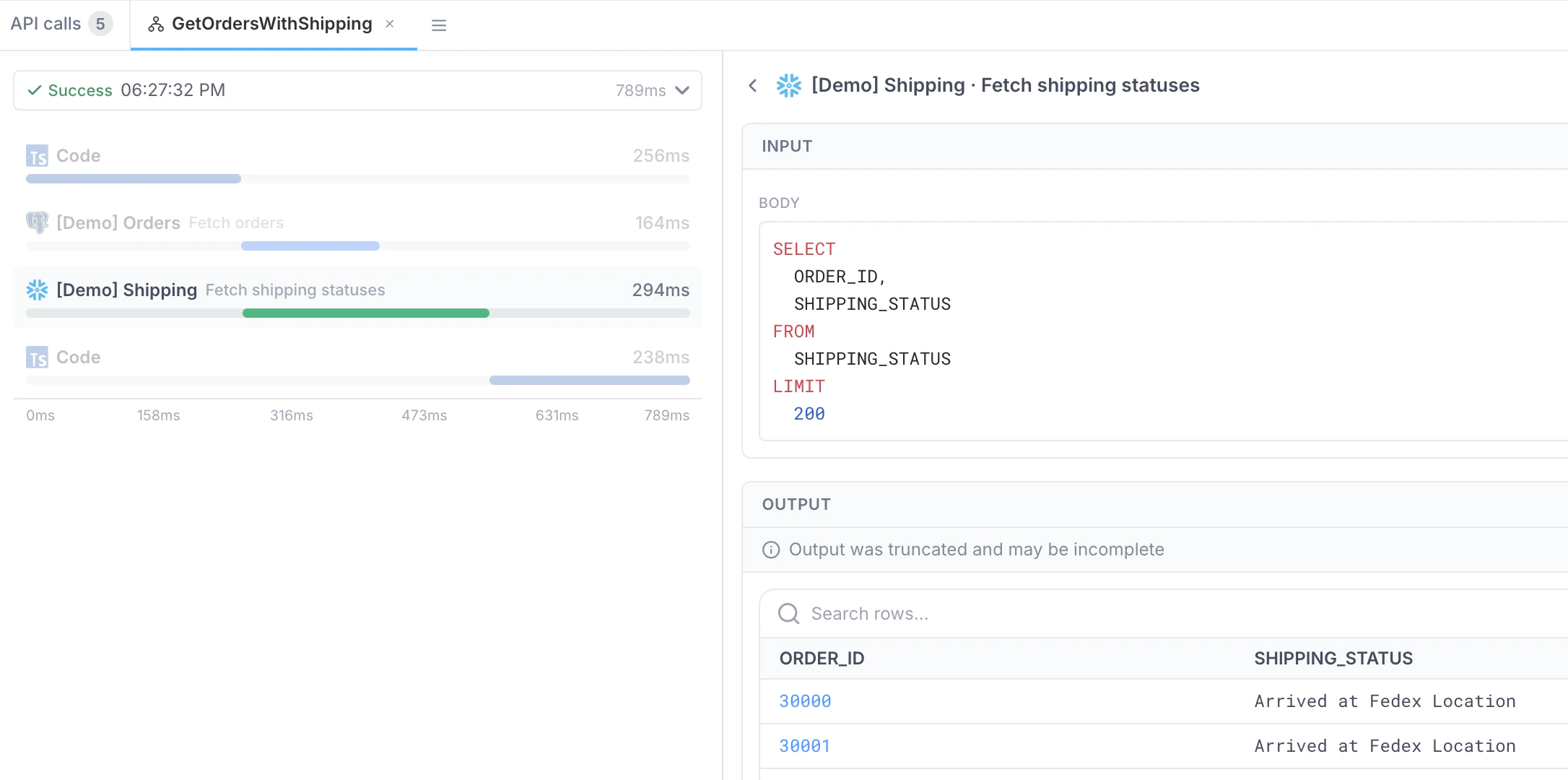
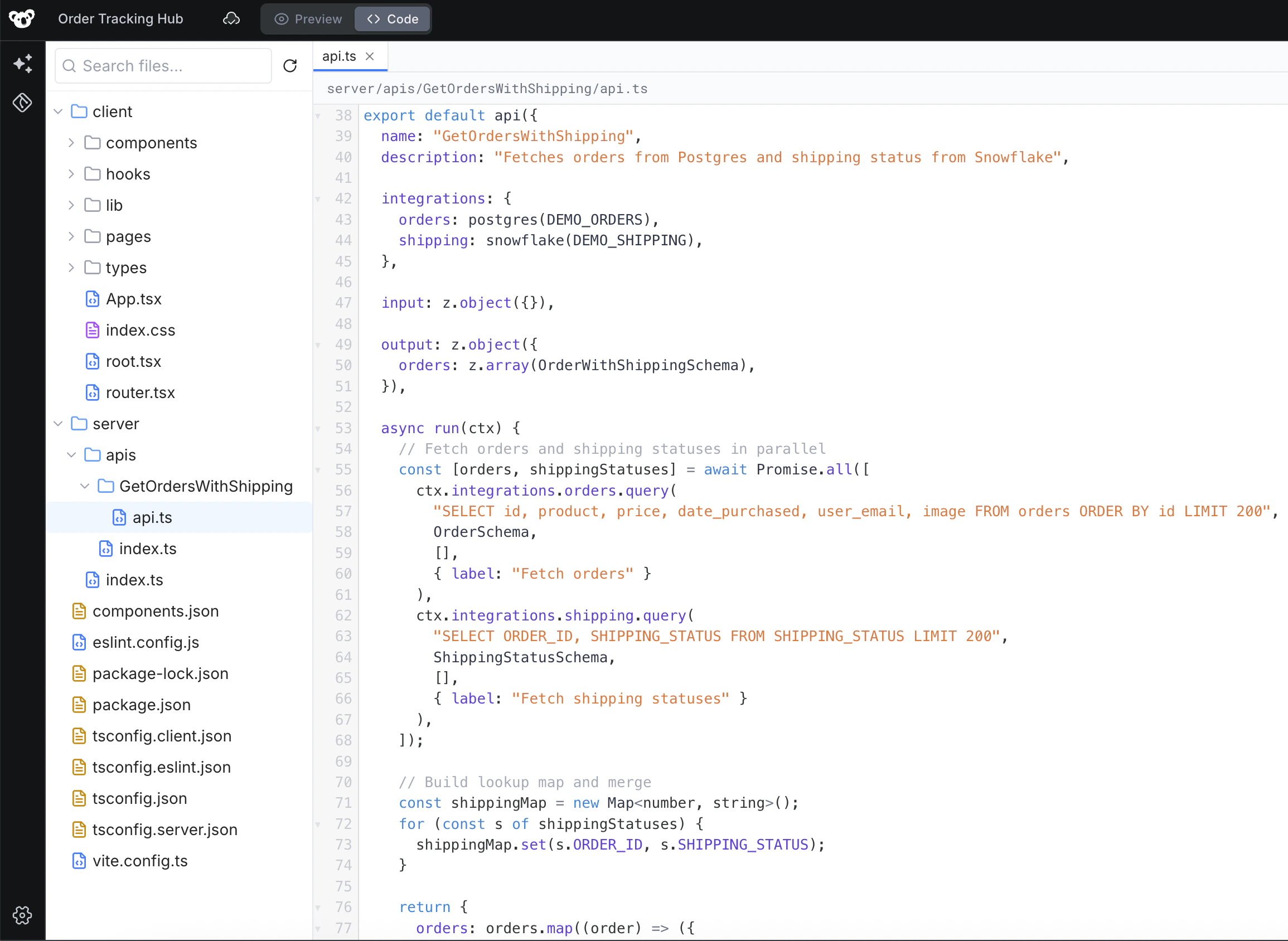
If there is a set of common API steps needed in multiple apps, we can create a single workflow and reference that anywhere in Superblocks. For example, say our teams have multiple apps within Superblocks that all require querying the same database for customer orders, and enriching that data with shipping information from another source. To reuse this logic anywhere, we have created a workflow that takes anorder_id, queries data from Postgres and Snowflake, and returns the merged datasets with Python.


Workflow response
When calling a workflow, the response returned to the client contains information about the execution, output, and errors. For example, below is the result of a successful workflow that completed with no errors.errors array.