Assigning org role to a group
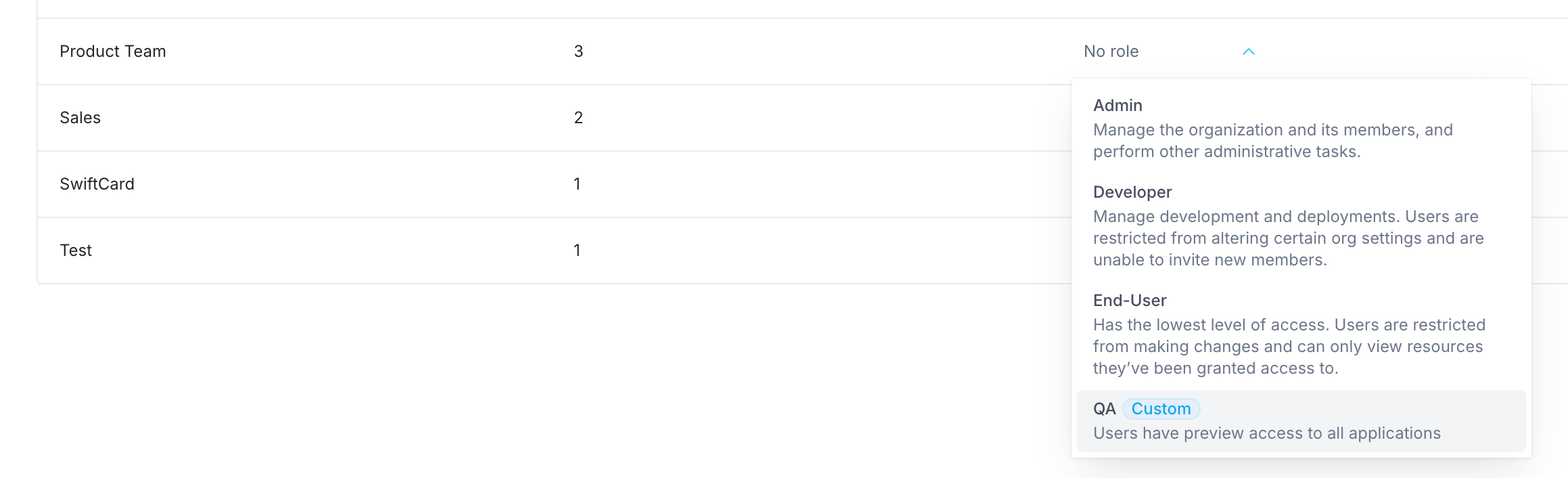
To assign an organization role to a group:- Click your avatar in the upper-left corner of the home page and click Organization Settings
- Click Groups
- Find the name of the group
- Click into the Role selector and choose the role you want to assign to the group
Removing org role from a group
To remove an organization role from a group:- Click your avatar in the upper-left corner of the home page and click Organization Settings
- Click Groups
- Find the name of the group
- Click the × icon next to the role name
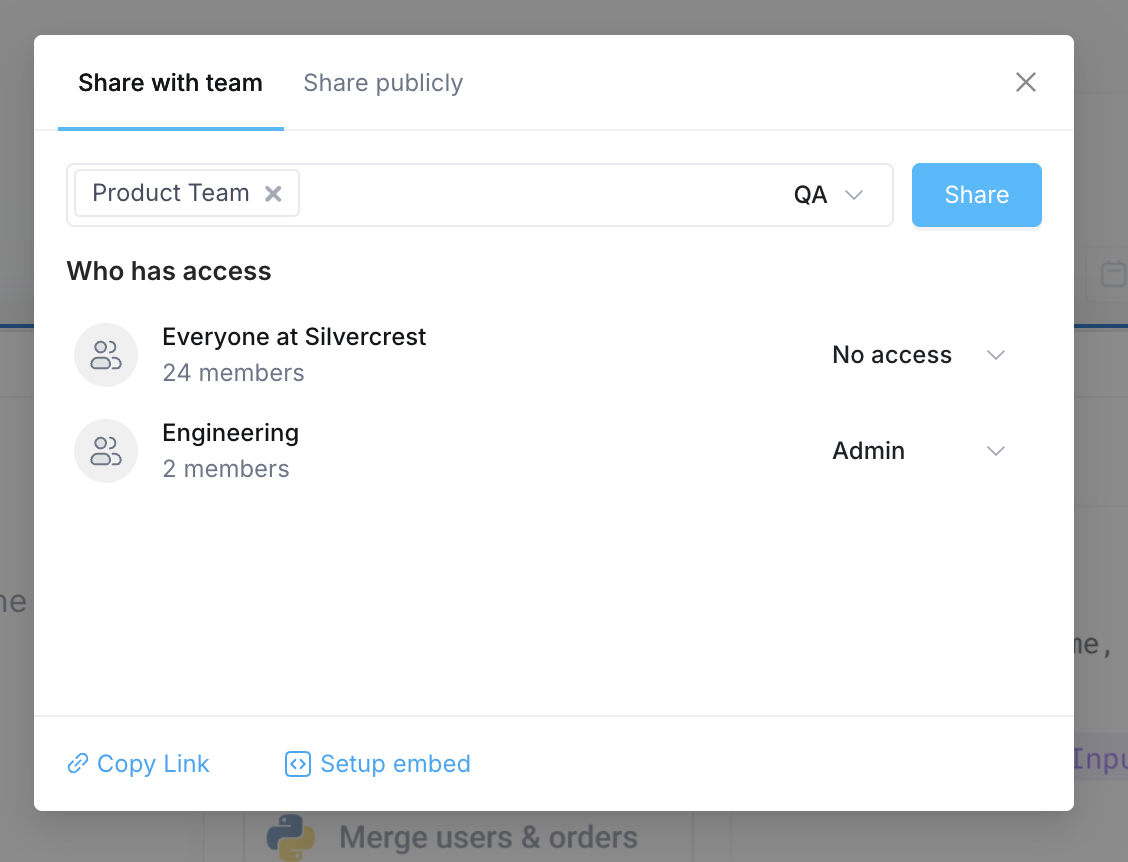
Managing a group’s access to a resource
Groups can be granted access to individual resources as well by assigning the group a resource role. To share a resource with a group:- Navigate to the resource (Application, Workflow, Integration, etc) you want to grant access to
- Click into the editor or configuration page for that resource
- Find and click on the Share button in the upper right-hand corner of the page
- In the dialog box that appears, search for the group you want to share the resource with
- Select the Resource role you want to assign to the group
- Click Share