> ## Documentation Index
> Fetch the complete documentation index at: https://docs.superblocks.com/llms.txt
> Use this file to discover all available pages before exploring further.
# Low-Code to Clark transition
> Transition from the Superblocks Low-Code platform to building with Clark AI
If you've been using the Superblocks Low-Code platform to build Apps, Workflows, and Scheduled Jobs, you can now start building with Clark — the world's best AI coding agent for building internal enteprise apps on your company data.
Your existing Low-Code applications, integrations, and configurations remain fully accessible. We recommend building all new applications with Clark.
## Getting started with Clark AI
In the top right corner of the Superblocks header, click the product switcher and select **Clark AI** to switch from the Low-Code view.
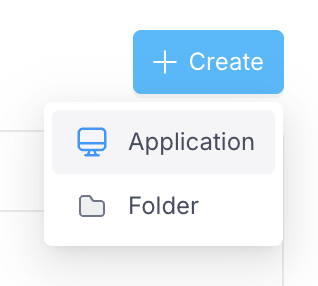
 Click **Create New** to start a new React application. Describe what you want to build in natural language and Clark will generate your app, complete with UI components and data integrations.
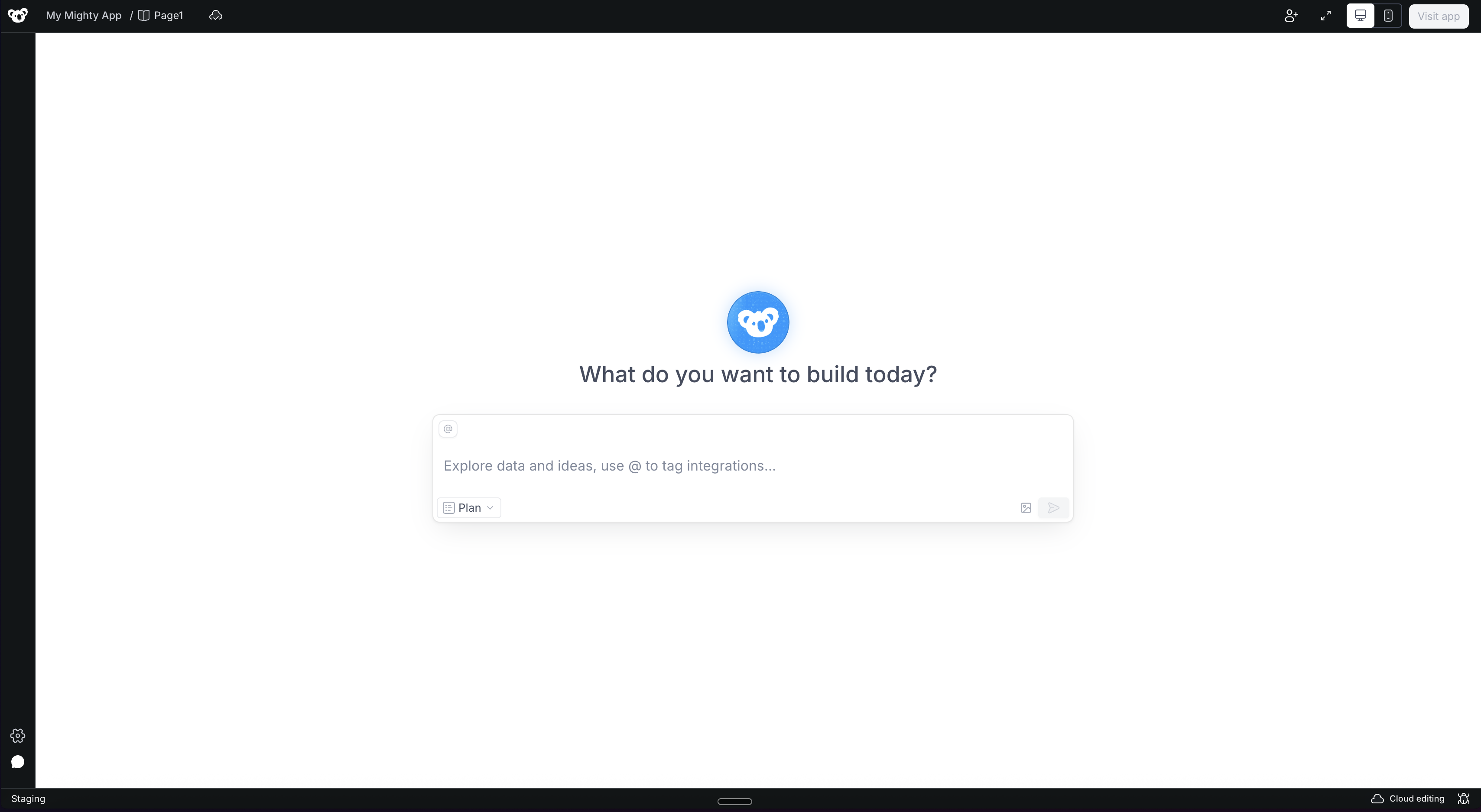
 From here, you can tag integrations, add context, and iterate on your application using Plan and Build modes. See the full guide at [Building with Clark AI](/building-with-clark/index).
 ## Using your existing integrations with Clark
To start using Clark on your existing integrations, you'll need to opt them in. Because Clark [accesses data in edit mode](/building-with-clark/data-access) to build and debug your apps, you'll want to review which integrations are enabled to ensure they're set up appropriately.
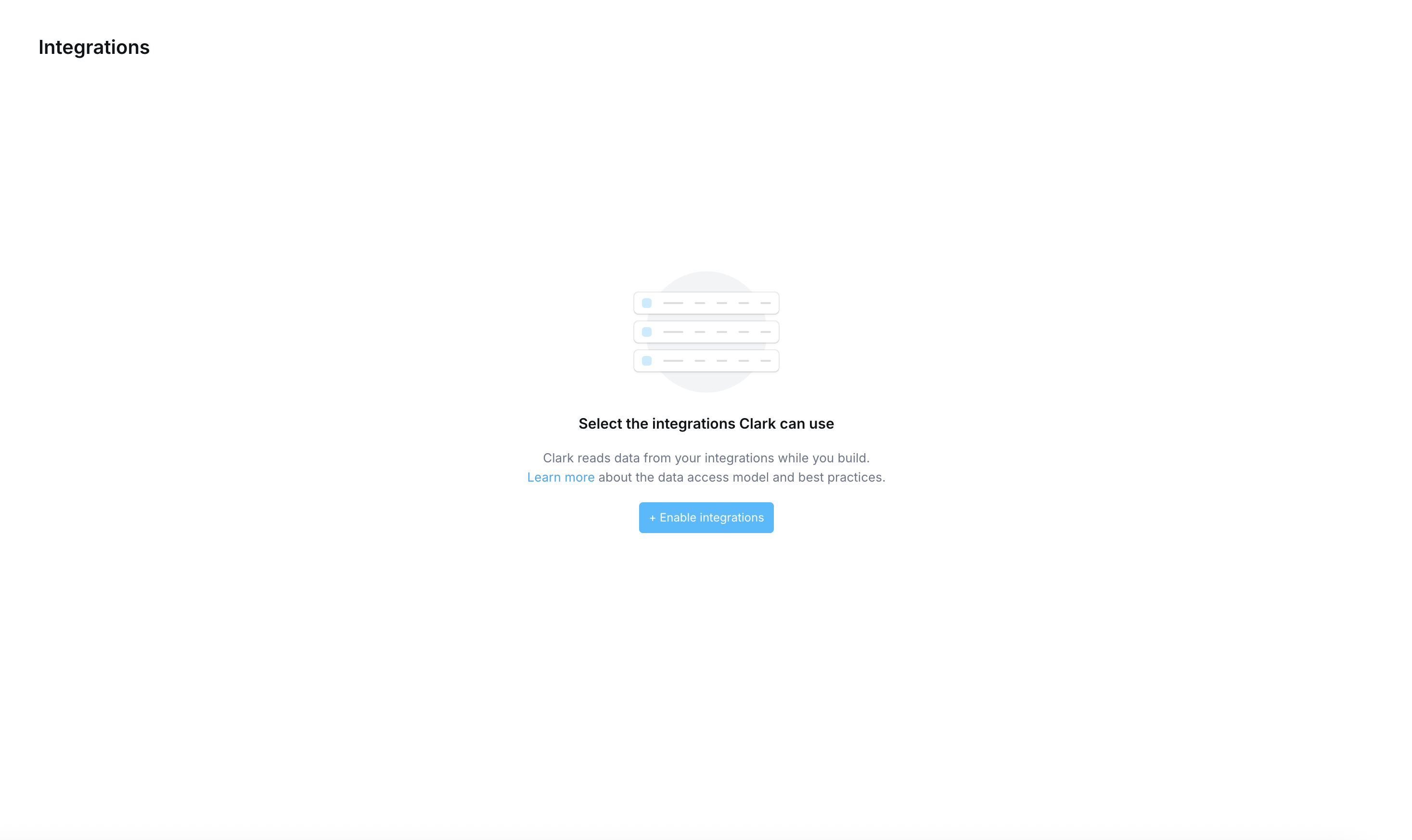
From the Clark AI view, go to the **Integrations** page and click **Enable Integrations**.
## Using your existing integrations with Clark
To start using Clark on your existing integrations, you'll need to opt them in. Because Clark [accesses data in edit mode](/building-with-clark/data-access) to build and debug your apps, you'll want to review which integrations are enabled to ensure they're set up appropriately.
From the Clark AI view, go to the **Integrations** page and click **Enable Integrations**.
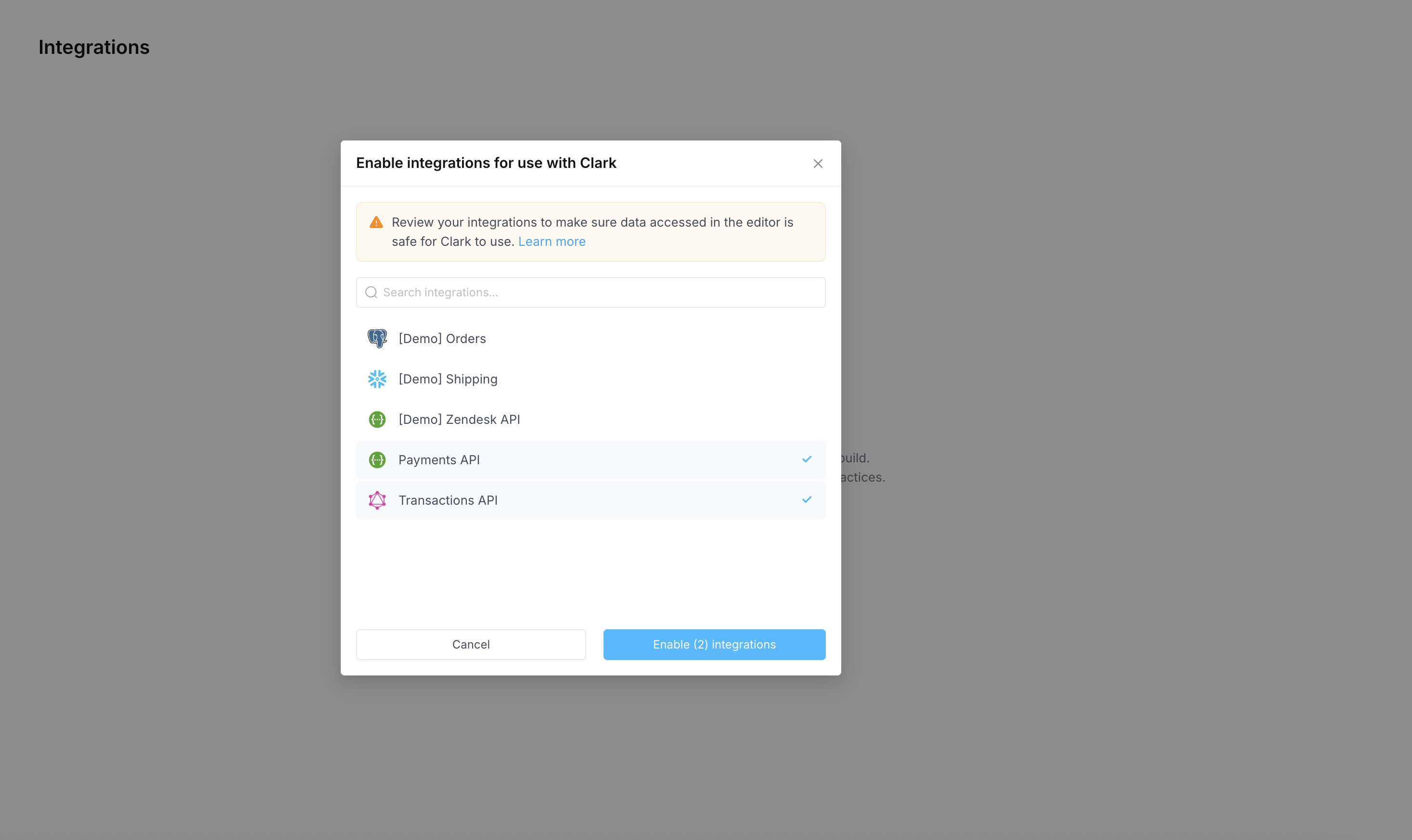
 Review your available integrations and select the ones you'd like Clark to use. Click **Enable** to confirm.
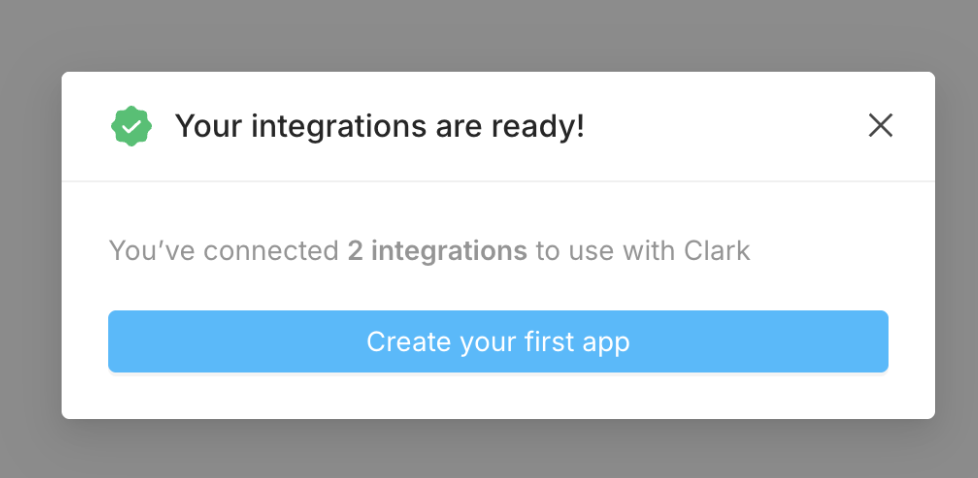
 Once enabled, your integrations are ready to use. Click **Create your first app** to start building, or tag these integrations directly from the Clark prompt.
 You can always opt in more Low-Code integrations using the **Enable integrations for Clark** button on the Integrations page.
 Any new integrations you add from the Clark view will be available for both Clark and Low-Code.
## Migrating existing Low-Code apps
Once you try Clark, you'll find that building apps is significantly faster, more powerful, and more flexible. Your existing Low-Code apps will continue to work indefinitely, so there's no rush; that being said we recommend migrating to Clark for all use cases over time.
Many customers have recreated their Low-Code apps with Clark in a fraction of the time it took to build them originally. The easiest way to get started is to take screenshots of your existing app and pass them to Clark as context. Clark will use these to rebuild your UI and wire up integrations for you.
For more complex apps, please [reach out to us](mailto:support@superblockshq.com) — we have semi-automated steps that can help speed things along.
## Feature availability
Some features from the Low-Code platform are not yet available for Clark AI applications. When you switch to the Clark AI view, the navigation will reflect which features are currently supported.
The following features are coming back new and improved soon:
| Feature | Status |
| ------------------ | ----------- |
| Observability | Coming soon |
| Audit Logs | Coming soon |
| Source Control | Coming soon |
| Secrets Management | Coming soon |
In the meantime, these features remain fully available for your existing Low-Code applications.
Any new integrations you add from the Clark view will be available for both Clark and Low-Code.
## Migrating existing Low-Code apps
Once you try Clark, you'll find that building apps is significantly faster, more powerful, and more flexible. Your existing Low-Code apps will continue to work indefinitely, so there's no rush; that being said we recommend migrating to Clark for all use cases over time.
Many customers have recreated their Low-Code apps with Clark in a fraction of the time it took to build them originally. The easiest way to get started is to take screenshots of your existing app and pass them to Clark as context. Clark will use these to rebuild your UI and wire up integrations for you.
For more complex apps, please [reach out to us](mailto:support@superblockshq.com) — we have semi-automated steps that can help speed things along.
## Feature availability
Some features from the Low-Code platform are not yet available for Clark AI applications. When you switch to the Clark AI view, the navigation will reflect which features are currently supported.
The following features are coming back new and improved soon:
| Feature | Status |
| ------------------ | ----------- |
| Observability | Coming soon |
| Audit Logs | Coming soon |
| Source Control | Coming soon |
| Secrets Management | Coming soon |
In the meantime, these features remain fully available for your existing Low-Code applications.