> ## Documentation Index
> Fetch the complete documentation index at: https://docs.superblocks.com/llms.txt
> Use this file to discover all available pages before exploring further.
# Audit logs
> Search and filter organization audit events in Superblocks
**Audit logs** provide a searchable record of activity in your Superblocks organization. With audit logs, admins get visibility into:
* **Builder activity** (edits, deploys, permission changes)
* **End-user activity** in your apps
* **Integration and platform changes** (credentials, configuration, and other administrative updates)
All of this audit data is also available **programmatically** through the [Superblocks MCP server](/admin/mcp-server)—use the Audit capabilities to query the same events from agents, scripts, and other tooling.
## Searching for logs
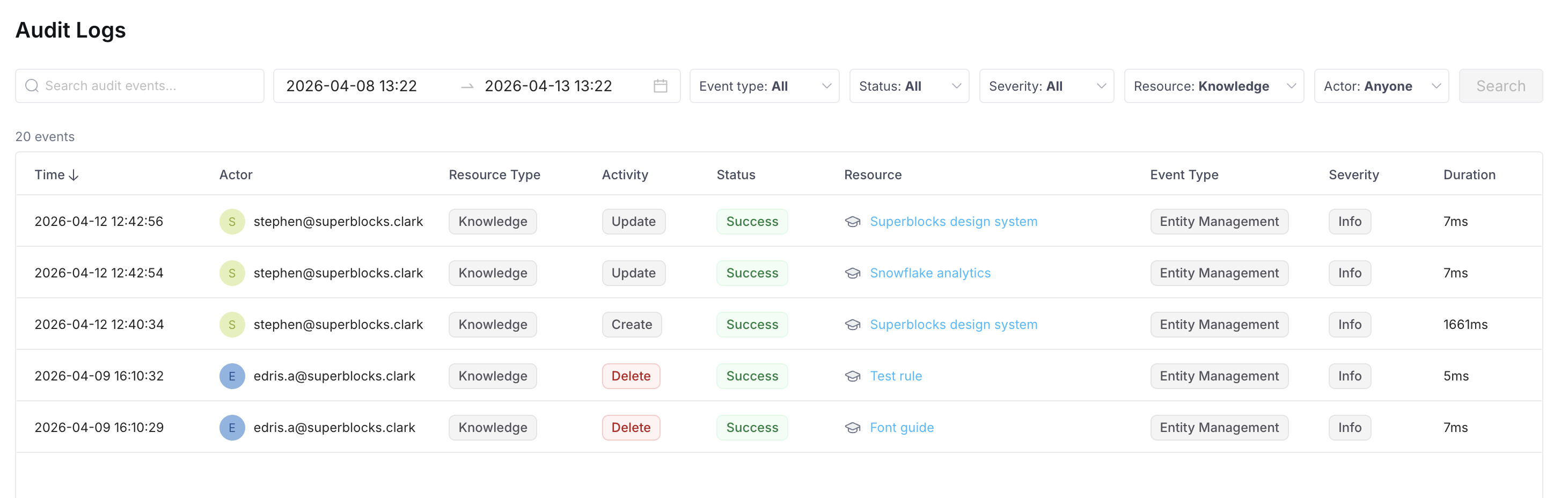
In the [**Audit logs**](https://app.superblocks.com/audit) page, filter by time range, event type, resource, actor, status, and severity.
| Control | Purpose |
| -------------- | ---------------------------------------------------------------- |
| **Search** | Text search over audit events |
| **Date range** | Start and end date-time for the events to include |
| **Event type** | Limit to one [event type](#event-types), or **All** |
| **Status** | Limit by outcome (e.g., Success or Failure), or **All** |
| **Severity** | Limit by severity level (e.g., Low+, Medium+, High+), or **All** |
| **Resource** | Limit to one or more [resource kinds](#resources), or **All** |
| **Actor** | Limit to actions by a specific user, or **Anyone** |
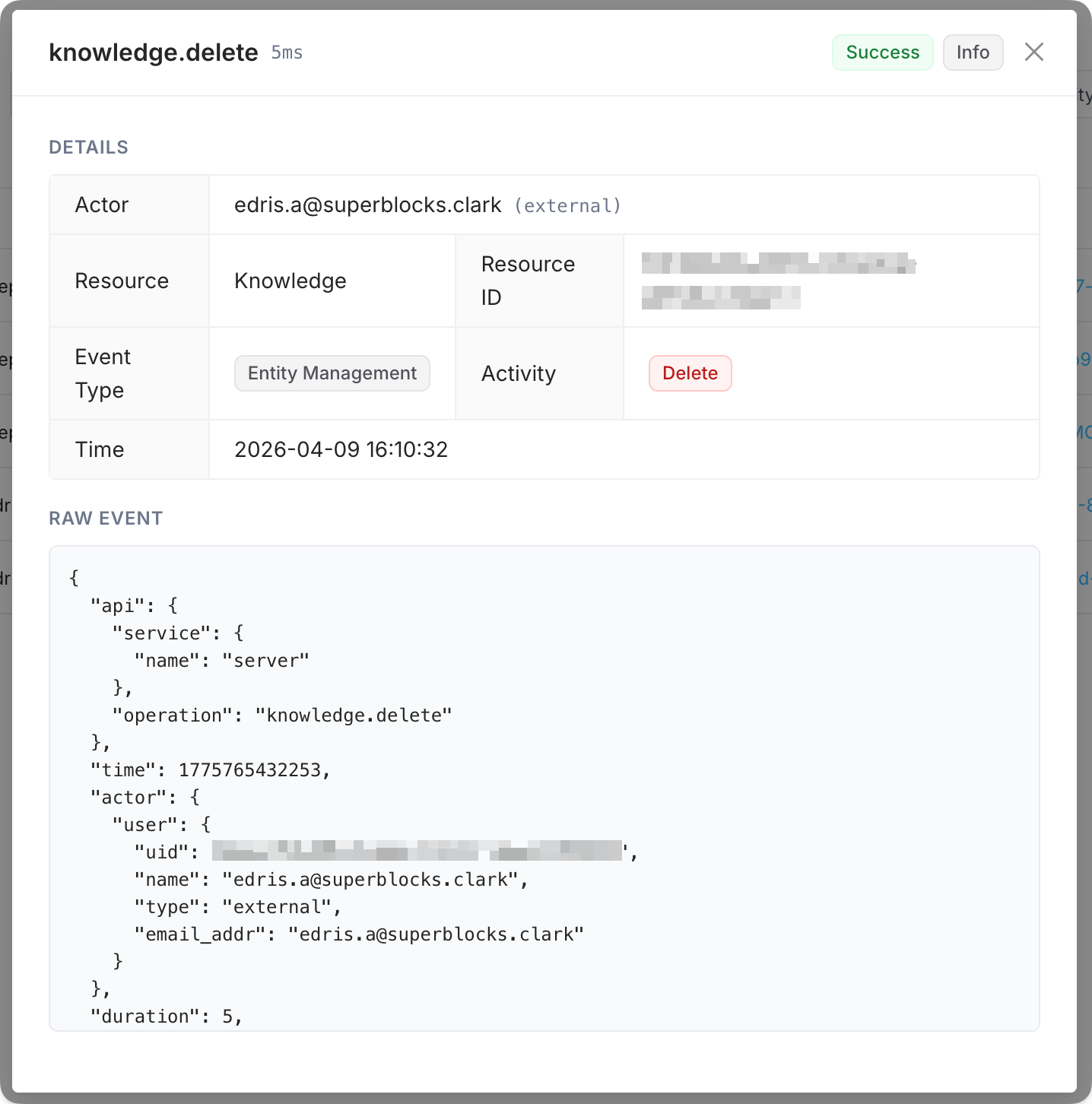
You can then view any matching events, and click into an event to see the raw event details.
## Event types
You can filter by the following **Event type** values:
* **Account Change**
* **Authentication**
* **Entity Management**
* **User Access**
* **App Lifecycle**
## Resources
You can filter by **Resource** to focus on events that target a given kind of object. Available values include:
* **Agent**
* **Application**
* **Credential**
* **Folder**
* **Group**
* **Integration**
* **Knowledge**
* **Organization**
* **Permission**
* **Repository**
* **Role**
* **Session**
* **Token**
* **User**